Salesforce Customer Data Management: The Ultimate Guide to Duplicate Cleanup in 2026
How Can Salesforce Admins Clean Up Duplicate Customer Data Without Breaking Reports?
Is your Salesforce CRM plagued by duplicate records, inconsistent data, and poor data quality? You’re not alone. Duplicate Accounts, Contacts, and Leads can split activity history, distort Salesforce reports, confuse owners, and make every cleanup feel risky. This guide explains how to find, standardize, merge, and prevent duplicate records with a safer Salesforce data management process.
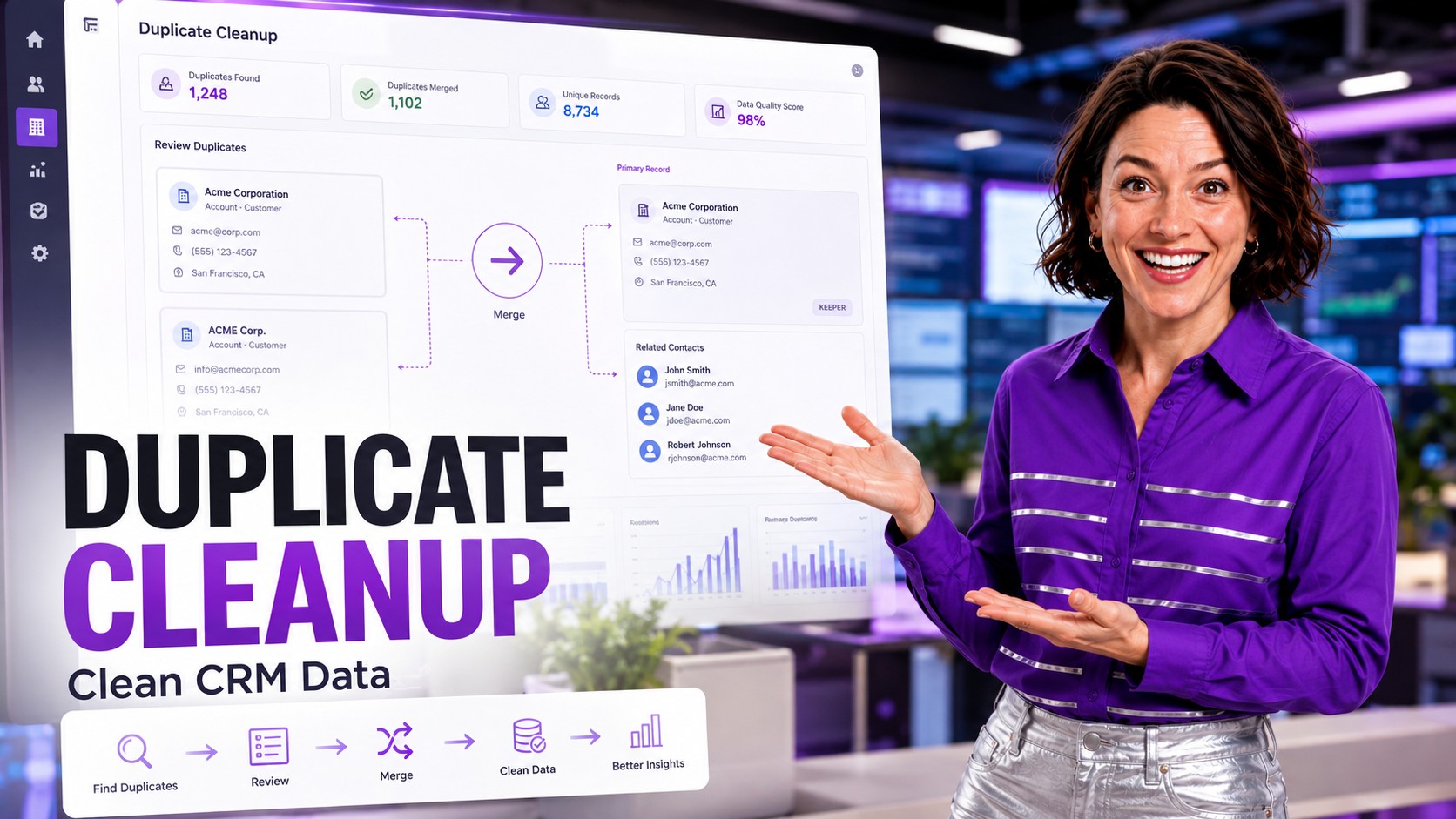
What Is Salesforce Duplicate Management?
Salesforce Duplicate Management is a built-in feature consisting of Matching Rules and Duplicate Rules that help organizations identify and prevent duplicate records from entering their CRM system.
- Matching Rules: Define criteria to identify potential duplicate records based on field comparisons
- Duplicate Rules: Determine when matching rules apply and what actions to take when duplicates are found
Salesforce provides three standard matching rules out of the box: one for business accounts, one for contacts and leads, and one for person accounts.

Common Salesforce Data Quality Pain Points
Based on extensive research from TrustRadius reviews and industry forums, here are the most common data quality challenges Salesforce users face:
1. Scattered Customer Data
Many organizations struggle with customer information spread across multiple records. This leads to incomplete customer views and missed sales opportunities. As one TrustRadius reviewer noted: “I have used Salesforce to manage customer and sales data in one place, which solves the problem of scattered customer data.”
2. Manual Data Entry Errors
Repetitive manual data entry creates inconsistencies and duplicate records. Automation is key to reducing time and improving accuracy across your CRM.
3. Complex Interface Navigation
New users often find the interface confusing with too many options and features, making navigation difficult and increasing the likelihood of creating duplicate records.
4. Cross-Object Duplicate Issues
A lead might already exist as a contact in your system. Without cross-object matching, your sales team could be working duplicate opportunities without knowing it.

The 5-Phase Deduplication Process for Salesforce
Follow this proven framework to systematically clean up your Salesforce data:
Phase 1: Data Requirements Analysis
Start by documenting your deduplication needs:
- List all objects requiring deduplication – Identify standard objects (Leads, Contacts, Accounts) and custom objects
- Identify relevant fields for matching – Common fields include First Name, Last Name, Email, Phone, and Company Name
- Define matching methods – Choose between exact matching, partial matching, or fuzzy matching algorithms
- Create an ignore list – Add common suffixes like LLC, Inc., Corp., GmbH to avoid false negatives
Phase 2: Process Requirements
Answer these critical questions before selecting a solution:
- Do you need cleanup, prevention, or both?
- Is automation required for high-volume data entry?
- Who needs access to perform merges?
- What compliance requirements exist (GDPR, CCPA)?
- What is your budget for data quality tools?
Phase 3: Tool Selection
Evaluate whether Salesforce’s native Duplicate Management meets your needs or if you require third-party AppExchange solutions. Consider these factors:
- Record volume: Native tools may struggle with large datasets
- Cross-object matching: Third-party tools offer more flexibility
- Automation capabilities: Automatic merging vs. manual review
- Custom object support: Native batch processing is limited to Leads, Contacts, and Accounts
Phase 4: Implementation
Important: Start with testing before enabling automation. Merging duplicates is often irreversible. Begin by:
- Configure matching rules in a sandbox environment
- Review sample results manually
- Adjust matching criteria based on false positives/negatives
- Gradually enable automation once confident in settings
Phase 5: Ongoing Maintenance
Data quality is not a one-time project. Establish continuous processes:
- Schedule regular duplicate detection jobs
- Update matching rules as new fields or objects are added
- Train users on data entry best practices
- Monitor duplicate prevention metrics in dashboards

When Native Salesforce Duplicate Management Falls Short
Salesforce’s built-in tools work well for smaller organizations with simple needs. However, you may need third-party solutions when:
- You can’t afford to lose data: Native blocking prevents record creation entirely, potentially losing valuable information
- You need to deduplicate custom objects: Batch processing is limited to standard objects
- You’re processing large data volumes: Salesforce notes that “in an org with many records, duplicate jobs can fail”
- You need cross-object batch processing: Lead-to-Contact matching in batch requires additional tools
- You require fully automatic processing: 24/7 automation without manual review queues

Best Practices for Salesforce Data Quality
Prevention Over Cleanup
Implement duplicate prevention at every data entry point—web forms, API integrations, manual entry, and data imports. It’s always more efficient to prevent duplicates than to clean them up later.
Standardize Data Entry
Use picklists, validation rules, and field-level formatting to ensure consistent data entry. Standardized data is easier to match and deduplicate.
Regular Data Audits
Create reports and dashboards to monitor data quality metrics. Track duplicate creation rates, merge activities, and data completeness scores.
User Training
Educate your team on the importance of data quality and how to search for existing records before creating new ones. As one industry expert noted: “The sales cloud goes with lead management, so that’s where it is the best product available in the market.”

Key Takeaways
- Salesforce Duplicate Management uses Matching Rules and Duplicate Rules to identify and prevent duplicates
- Follow a 5-phase process: Data Requirements → Process Requirements → Tool Selection → Implementation → Maintenance
- Native tools work well for SMBs with simple needs and low record volumes
- Consider AppExchange solutions for complex requirements, high volumes, or custom objects
- Prevention is always more cost-effective than cleanup
- Data quality is an ongoing process, not a one-time project

Make Salesforce Duplicate Cleanup Predictable
Use ZaapIT to find duplicate groups, review matching logic, merge records with control, prevent new duplicates, and keep a recovery path with backup, bulk undo, and restore.
Frequently Asked Questions
How do I find duplicates in Salesforce?
Admins can use Salesforce Duplicate Management, duplicate jobs, reports, and review queues to identify likely duplicates. For larger or more complex orgs, ZaapIT helps review duplicate groups with fuzzy matching and grid-based comparison.
Why do duplicate records keep coming back after cleanup?
Duplicates often return through imports, web forms, integrations, manual entry, lead conversion, and inconsistent formatting. A cleanup project should include prevention rules and ongoing monitoring, not only one merge pass.
What should admins standardize before duplicate matching?
Admins should standardize emails, phone numbers, company suffixes, account names, country and state values, domains, and blank-field handling before relying on duplicate matching rules.
Can Salesforce merge duplicates automatically?
Native Salesforce duplicate tools can identify, warn, block, and report on duplicates, but complex merge automation usually requires a governed workflow that reviews master selection, copied fields, and related records before changes are applied.
How does ZaapIT help with duplicate cleanup?
ZaapIT helps admins find duplicate groups, compare records, use fuzzy matching, run controlled mass merge jobs, protect related records, and keep a recovery path with backup, bulk undo, and restore for affected rows.
Useful ZaapIT Resources
- Salesforce Duplicate Records: Advanced Matching and Mass Merge Playbook
- ZaapIT Dedup Manager: Enterprise Salesforce Deduplication Platform
- CSV vs Salesforce Fuzzy Matching Tutorial
- Salesforce Text Formatting and Standardization Guide