ZaapIT’s guide for the Salesforce
Setup, data hygiene, mass update, inline editing, import, export, duplicate cleanup, backup and restore, automation and data audit.
Start with the guide path
Open the PDF training guide
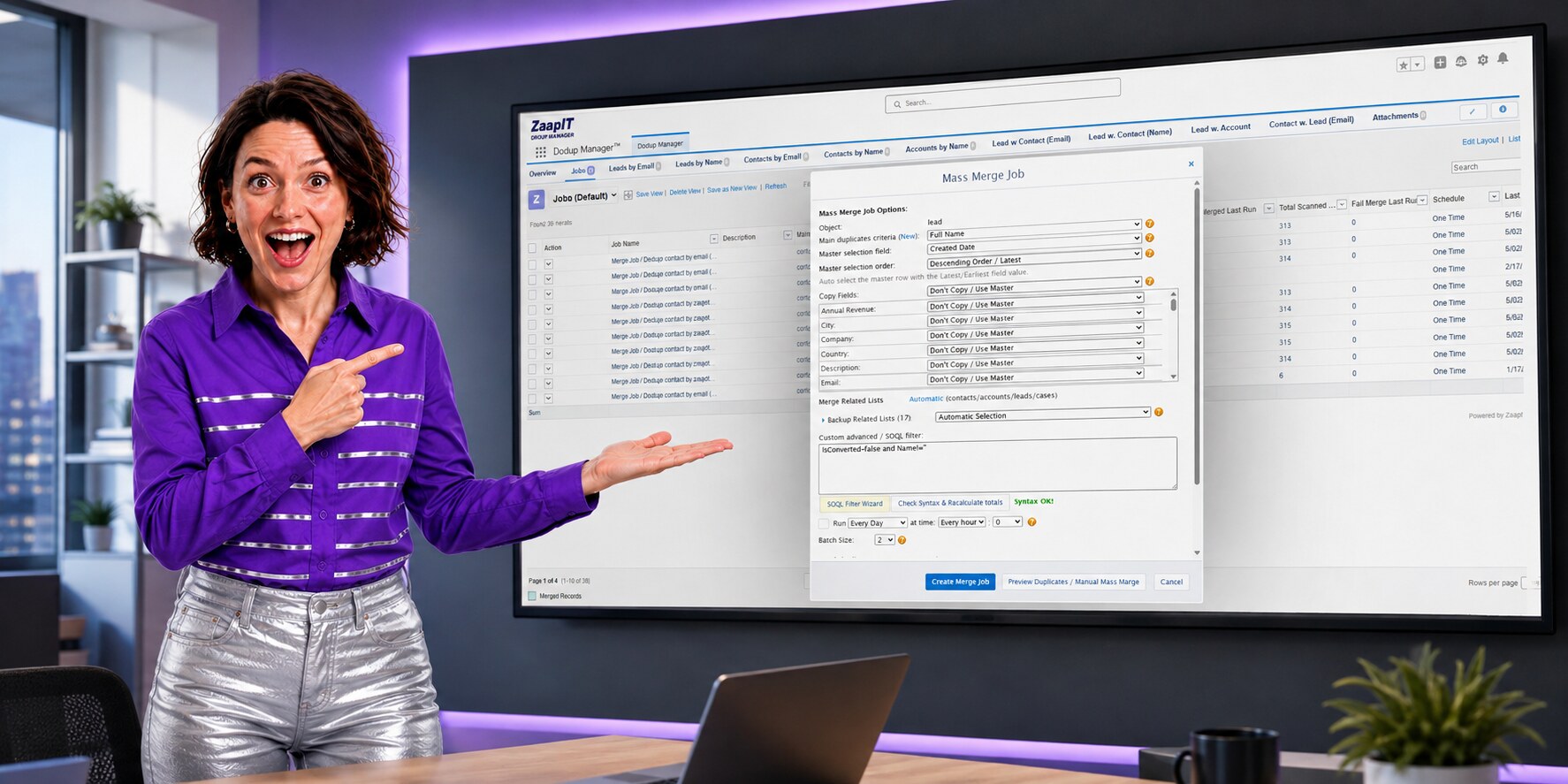
A clearer path through the knowledge base
The old documentation center was useful, but it behaved mostly like a long list. This revised hub groups the material around the real admin workflow: connect ZaapIT to Salesforce, find the right records, act in bulk, then validate the job before automation.
Install and connectConfirm permissions, open the ZaapIT app, and learn where ActionGrid, Mass Update, and DEDUP Manager live in Salesforce.
Filter the work setUse list views, grid filters, matching rules, and SOQL filters to isolate only the records that should be changed.
Preview bulk actionsReview imports, updates, duplicate groups, field copy rules, and selected rows before committing a large change.
Verify and recoverCheck counts, job history, failed rows, backups, restore options, and scheduled automation after the job runs.
Find the right guide for the job
Start with the onboarding PDF when you need the full path. When you already know the task, jump straight to the guide for mass updates, inline editing, imports, cleanup, or duplicate management.
Getting Started Training
A structured onboarding guide for ZaapIT tools, Salesforce access, ActionGrid, mass actions, and DEDUP Manager.
Guide
Quick Start Guide
Get oriented quickly before moving into detailed mass update, import, export, and duplicate-management workflows.
Guide
Mass Update Complete Guide
Learn how to change selected Salesforce records in controlled batches with filters and review steps.
Guide
Mass Inline Edit Complete Guide
Use spreadsheet-style editing for record-by-record review without opening every Salesforce record.
Guide
Mass Delete Complete Guide
Delete selected records with the right safeguards, review checks, and admin confidence.
Guide
Text Format Complete Guide
Standardize names, emails, phone numbers, countries, states, and other messy fields before matching or reporting.
Guide
Auto Convert Complete Guide
Automate lead conversion after your filters, matching logic, and data-quality checks are ready.
Video
Find Matching Records
Compare CSV or Salesforce records, catch possible matches, and reduce duplicates before import or merge work.
Video
Mass Update Operations
Watch the bulk-update workflow and pair the video with the written mass update guide.
DEDUP Manager: create a merge job without guessing
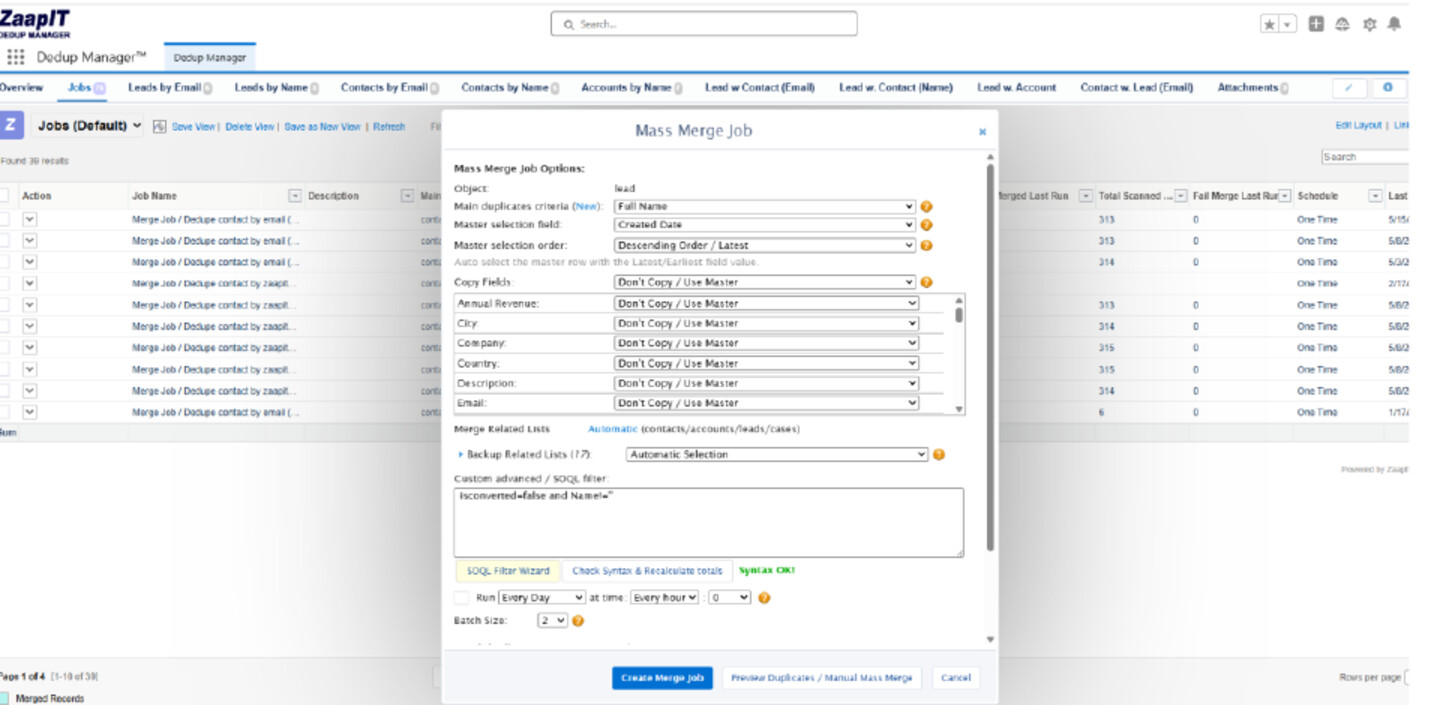
The PDF guide shows a practical merge-job setup: choose the object, define the duplicate criteria, set master-record selection, decide field-copy behavior, protect related lists, add a SOQL filter, and preview duplicates before creating or scheduling the job.
Use videos when a workflow is easier to see
Some admin tasks make more sense on screen. Use these short tutorials alongside the written guides when your team needs to see the clicks, filters, previews, and verification steps in order.
Auto Convert Leads videoUnderstand the setup before automating lead conversion.
Find Matching Records videoUse matching workflows before imports, cleanup, and dedupe projects.
Need the fastest training path?
Start with the Getting Started Training PDF, then use this page to jump into the exact guide for the task your admin team is doing today.