Salesforce List View 200 Record Limit: Safely Mass Update 15,000 Rows
How Can Salesforce Admins Mass Update More Than 200 List View Records Safely?
Salesforce list views are useful for quick inline edits, but the 200-record selection limit becomes painful when an admin needs to update a full filtered set, such as 15,000 rows. This guide explains why that limit matters, what can go wrong with page-by-page edits, and how ZaapIT helps admins preview, control, audit, bulk undo, and restore affected rows after larger Salesforce mass updates.
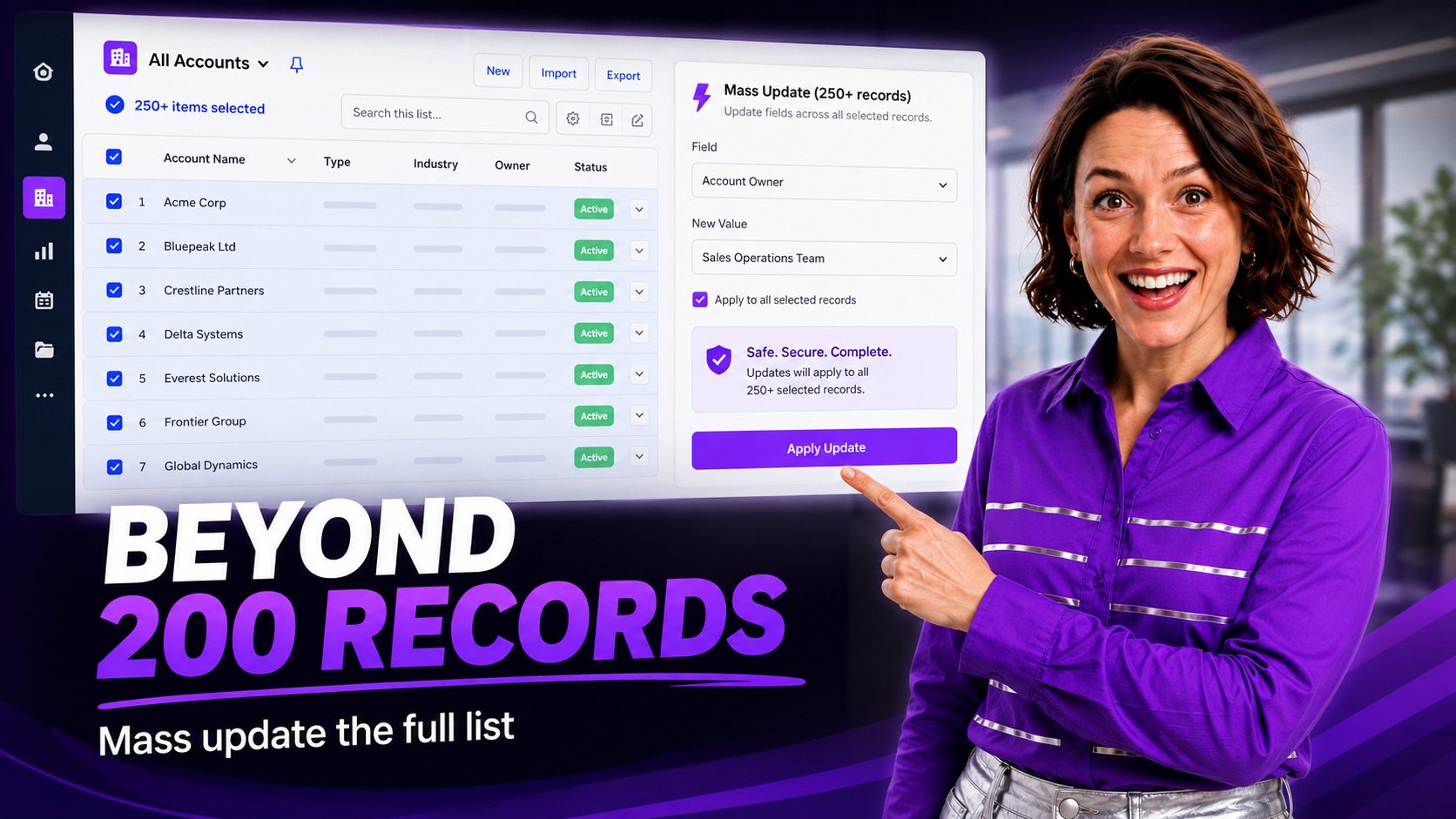
The Admin Problem: The List View Shows the Records, but Not the Whole Job
A Salesforce admin filters a list view and finds 1,200 records that need the same owner, status, territory, cleanup flag, campaign value, or data-quality correction. The list view is accurate, but the edit workflow is not built for the full job.
Salesforce Help says list views can select up to 200 records at a time. Salesforce inline editing also depends on permissions, field-level security, record type filters, object settings, field types, and other constraints. So a seemingly simple bulk edit can turn into repeated page work, inconsistent changes, or a partial update that is hard to audit.
Why the 200-Record Limit Creates Data Hygiene Risk
This gets worse when the change affects automation. Updating owner, record type, status, lifecycle stage, routing fields, or duplicate-cleanup fields can trigger Flow, validation rules, assignment logic, notifications, integrations, and reporting changes.
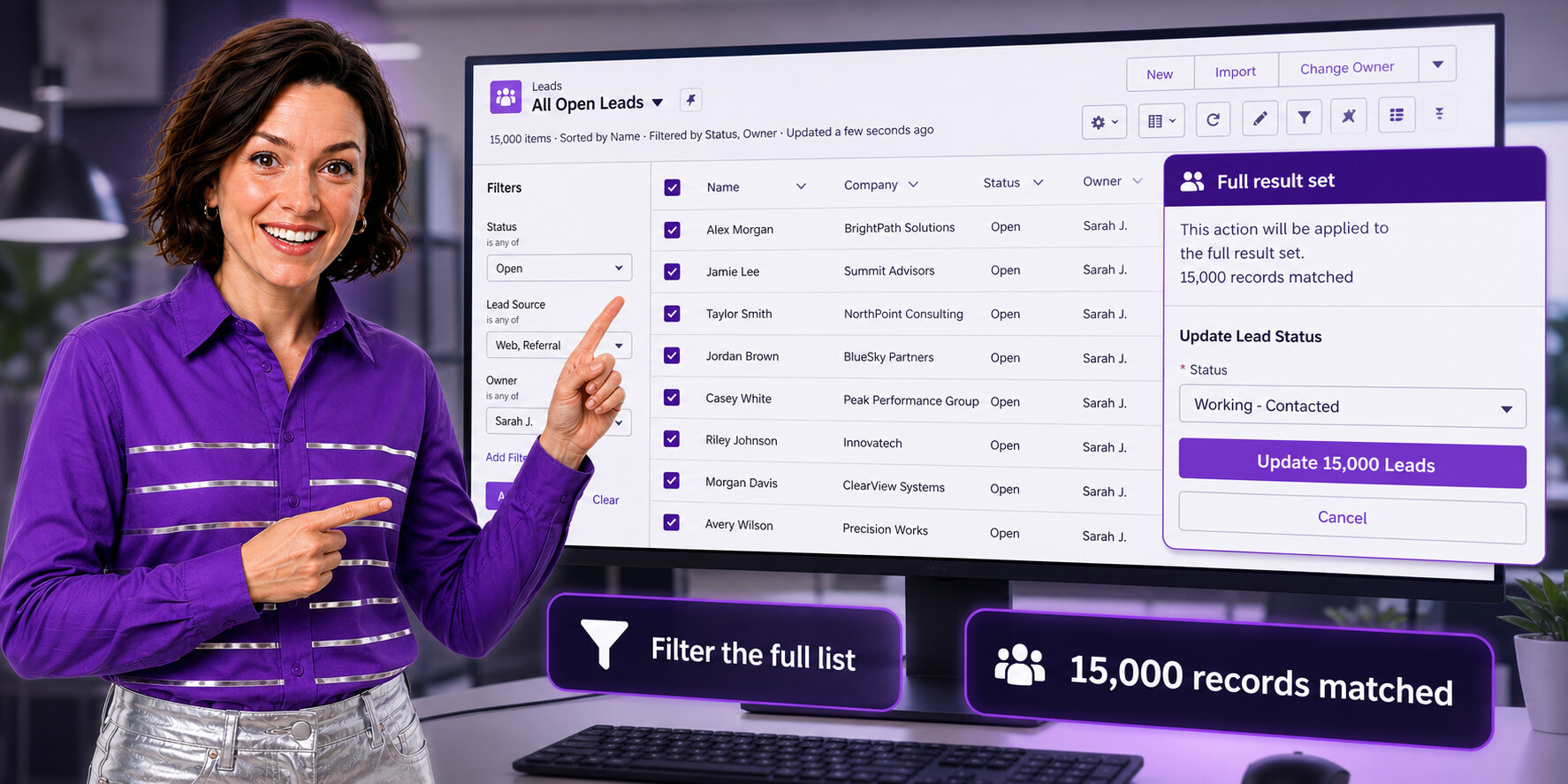
How ZaapIT Helps Admins Update the Full Filtered Set
ZaapIT gives Salesforce admins a practical mass-edit layer for the full work set. Instead of selecting 200 records, saving, moving to the next page, and hoping nothing changed, admins can use a grid-driven workflow to filter, preview, select the intended scope, and update 15,000 rows in controlled batches.
- Filter first: build a precise list of records that should receive the change.
- Review the scope: check counts, key fields, owners, record types, and exception records before updating.
- Apply controlled mass updates: update selected fields across the approved record set instead of one page at a time.
- Bulk undo and restore affected rows: keep the work safer by giving admins a recovery path if an approved mass update needs to be rolled back.
- Use inline review: correct edge cases directly in the grid before the batch update.
- Validate the result: filter again after the update to find records that failed, were skipped, or still need review.
For the hands-on feature path, see Salesforce Mass Update, the Mass Update Complete Guide, and Salesforce Mass Inline Edit.
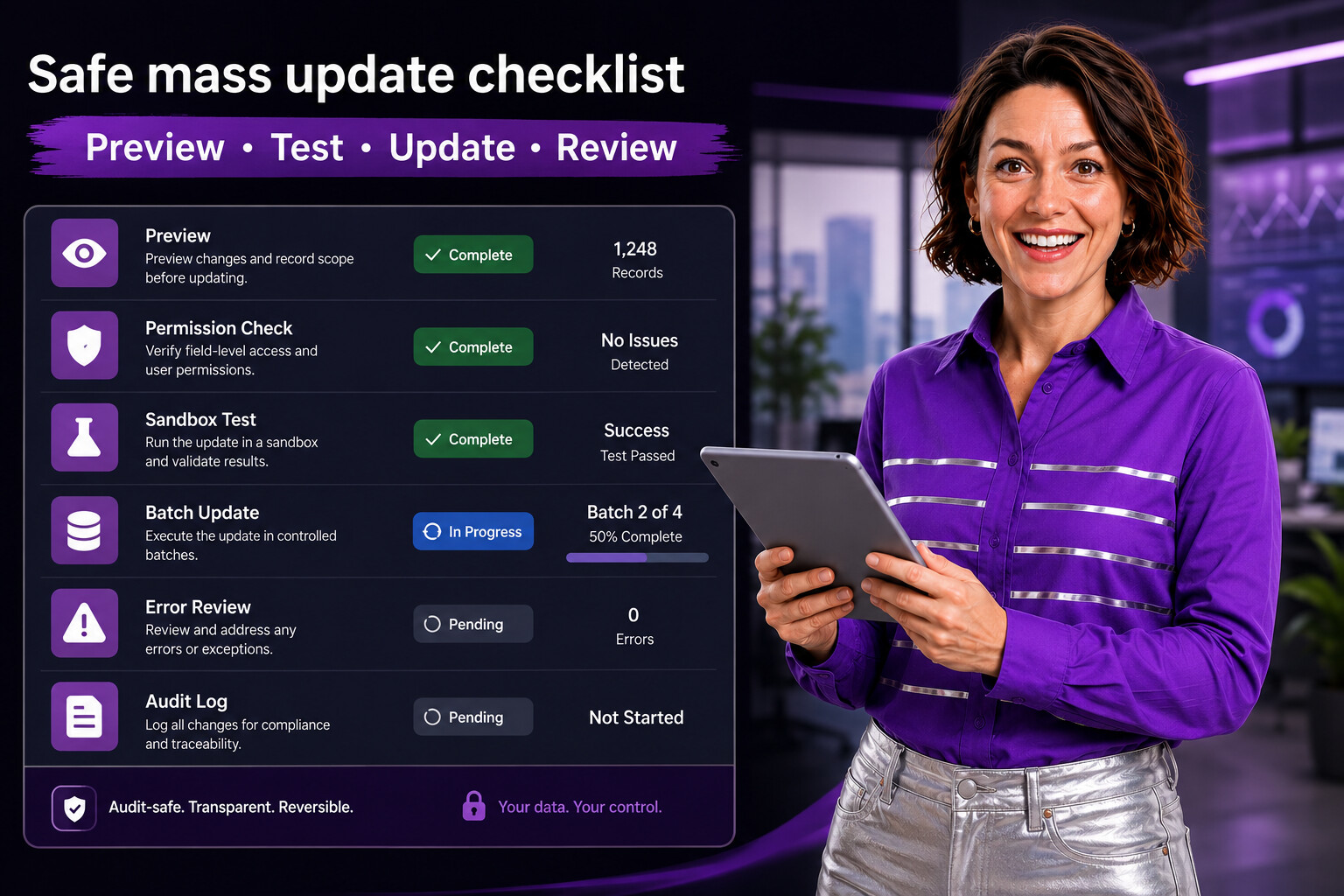
A Safe Mass Update Checklist
| Step | What to check | Why it matters |
|---|---|---|
| Define the rule | Which records should change, and which should be excluded? | Prevents over-broad updates. |
| Preview the count | Total matched records, object, record types, owners, and key segments. | Confirms the job is bigger than one visible page and matches the request. |
| Check editability | User permissions, field-level security, page layout, field type, and record access. | Reduces failed rows and partial updates. |
| Review automation | Flow, validation rules, assignment rules, integrations, and notifications. | Prevents a data cleanup from becoming an automation incident. |
| Test in sandbox | Small representative batch and expected before/after values. | Catches formula, validation, and workflow surprises. |
| Run in batches | Update windows, API limits, row locks, and failure handling. | Keeps the operation manageable. |
| Validate after | Changed records, skipped records, errors, and reports. | Creates confidence that the full work set was handled. |
| Plan rollback | Confirm bulk undo and restore are available for the affected rows before the update starts. | Gives admins a recovery path if a field value, filter, or scope choice was wrong. |
When Native List Views Are Still the Right Tool
Native list views are excellent for quick review, small edits, and user-owned workflows. If a sales manager needs to update a handful of Opportunities or a rep needs to correct a few fields, list-view inline editing is fast and familiar.
Use a stronger mass-update workflow when the business request depends on the entire filtered set, when the record count crosses multiple pages, when the change affects automation, or when the admin needs a repeatable audit trail.
Common Use Cases for This Workflow
- Reassigning ownership after territory changes or employee transitions.
- Updating lifecycle/status fields after a segmentation cleanup.
- Setting a reviewed, archive, or data-quality flag across old records.
- Correcting imported values after a CSV load introduces inconsistent fields.
- Preparing records for duplicate matching, merging, or deletion.
- Applying campaign, industry, source, or region values across a filtered population.
If the issue starts with imported data, pair this workflow with the ZaapIT Salesforce import tutorial. If the issue is duplicate cleanup, start with DEDUP-Manager and the Find Duplicate Records in Salesforce tutorial.
Update Large Salesforce Lists With More Control
Use ZaapIT to review the full filtered work set, update 15,000 rows in controlled batches, and keep a recovery path with bulk undo and restore.
Frequently Asked Questions
Why is the Salesforce list view 200-record limit a problem for admins?
The limit is a problem when admins need to update the full filtered result set because page-by-page edits can miss records, create inconsistent updates, and make audit review harder.
How can admins safely update more than 200 Salesforce records?
Admins should filter the full work set, preview affected rows, confirm the update value, run controlled batches, validate exceptions, and keep a rollback plan before updating thousands of records.
How does ZaapIT help update 15,000 Salesforce rows safely?
ZaapIT helps admins work from the full filtered set, review scope, apply controlled mass updates, audit results, and use bulk undo and restore for affected rows when a correction is needed.
Useful ZaapIT Resources
- Salesforce List View 200 Record Limit Mass Update Playbook
- Salesforce Mass Inline Edit Tutorial
- Salesforce Text Formatting and Standardization Guide
- Salesforce Customer Data Management and Duplicate Cleanup Guide