How California EV Charging Teams Reconcile Station and Port Assets in Salesforce
Why Must California EV Charging Teams Keep Station and Port Assets Distinct?
In this anonymized composite scenario, a California charging operator imports site, charger, port, and connector records into Salesforce. Two feeds create duplicate-looking port Assets, while a station-level service Case is attached to the wrong child Asset. An illustrative 15,000-row review shows how the team checks physical identifiers, repairs approved relationships, and protects supported field changes with preview, backup, bulk undo, and restore. This is not a named customer result.
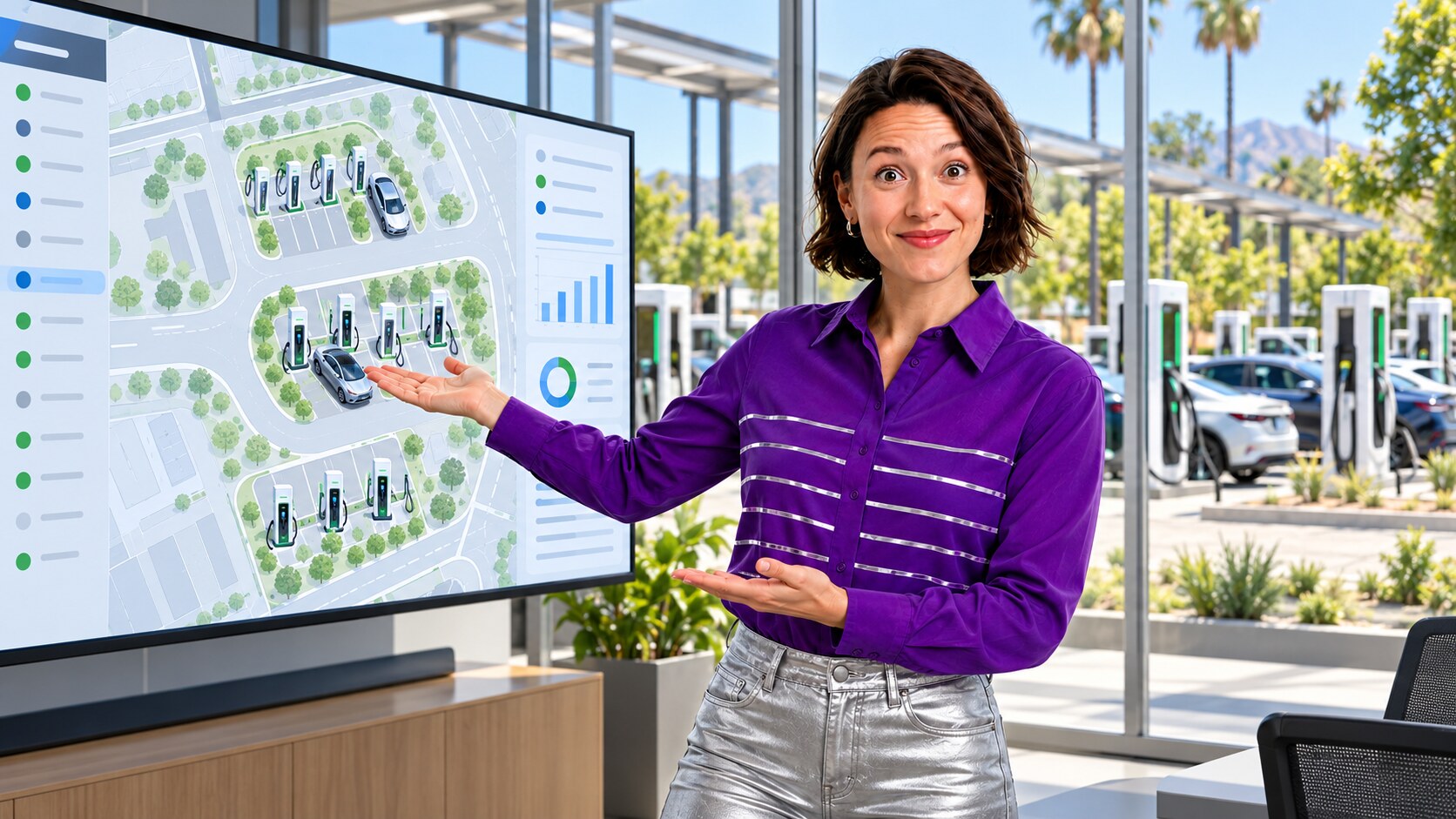
Why California Charging Data Needs Port-Level Identity
The California Energy Commission’s EV charger data definitions distinguish a charger, its ports, and the connectors on a port: a port charges one vehicle at a time even when it has multiple connectors. The U.S. Department of Energy’s station guide likewise separates the site from its charging ports. In a 2024 UC Davis study of California corridor fast charging, researchers analyzed 54 chargers at 36 stations, demonstrating why station and charger are separate units of analysis for reliability. This is not a study of Salesforce duplicates. It does explain the local data-grain risk: a port is not the station, and a second connector does not necessarily mean a second simultaneous charging port. If CRM Asset and service records collapse those identities, a report can assign a fault to the wrong equipment or count the same capacity twice.
Use Case: One Charging Port Appears as Two Salesforce Assets
A field-service feed creates an Asset for a port at a California charging station using the charger’s serial number and a vendor port code. A second station-inventory feed imports the same port under a different display label and creates another Asset because the integration did not carry the stable EVSE or port identifier. The records look like two active ports in a service-capacity report. At the same site, a charger can have two genuinely distinct ports, and one port can have two connector types. Matching only on street address, charger serial, or connector label would therefore merge a real port or invent extra capacity.
The operator compares the site/location ID, equipment serial, source EVSE or port ID, port position, connector type, and installation or replacement history. Reviewers establish whether two CRM rows point to one physical port at one time. A replacement device at the same bay remains a separate service-history event. They leave uncertain mappings for field verification instead of silently assigning Cases or Work Orders to a guessed port.
| Identity layer | Review question | Risk if confused |
|---|---|---|
| Station or site | Which location and operator owns the installation? | All equipment at one address appears as one Asset. |
| Charger and serial | Which physical device, and was it replaced? | A replacement inherits the old device’s fault history. |
| Port or EVSE ID | Which connection can charge one vehicle at a time? | Duplicate CRM rows inflate apparent service capacity. |
| Connector | Which plug types belong to that port? | Two connectors are mistaken for two independent ports. |

Model the Site, Port, and Service History in Salesforce
Salesforce’s Asset hierarchy guidance describes parent and child Assets for equipment and components, subject to the org’s supported configuration. A charging team can use that model, or an equivalent reviewed relationship, to connect a station or charger to port-level Assets. The exact object design depends on its Salesforce setup; a connector may be a field or a related record, but its presence should not automatically create another port Asset.
Salesforce Help explains that an External ID field alone does not enforce uniqueness. The integration team should define an approved site-plus-port source key, decide whether it must be unique, and test genuine replacements, renumbered ports, and shared charger serials. Salesforce’s related-record import guidance also calls for checking reference IDs and testing imports. A repeatable import key helps prevent the next duplicate CRM representation; it does not establish physical identity without source validation.
A Recoverable Review of 15,000 Illustrative Rows
- Capture a baseline: export the illustrative 15,000 Asset candidates with Salesforce ID, station ID, charger serial, EVSE/port ID, connector attributes, source-system key, installation status, and related Case or Work Order IDs.
- Profile the mismatch: group possible duplicates by verified site and port identifiers. Flag missing source keys, two active Assets for one physical port, and service records linked only to a station-level Asset.
- Review exceptions: operations and field-service owners compare source inventory with installation and replacement records. Keep distinct ports, connectors, and prior devices separate. Treat ambiguous IDs as exceptions.
- Preview and back up: preview approved Asset field and relationship corrections in ZaapIT, back up affected rows, and test the supported bulk-undo or restore path on a small sample.
- Apply controlled batches: update only approved CRM mappings and supported fields. Retain raw import records and service history; do not assume that undoing an Asset field edit reverses downstream automation or external systems.
- Reconcile: compare the post-change port count, active Asset count, and sampled Cases or Work Orders with the authoritative station inventory. If the mapping is wrong, use supported bulk undo or restore and repeat the validation.
The 15,000 rows are a hypothetical review population, not a measured duplicate count. ZaapIT’s bulk-update guidance and user guide describe backup and recovery for supported operations; test the exact Asset and relationship workflow before production use. The California Energy Commission’s charger inventory reporting standards underscore the value of maintaining location, serial, port-count, and connector information, with applicability depending on the operator and installation.

Validate the Equipment View Before Trusting the Dashboard
The composite team samples corrected and unchanged stations, then checks each port against the operator’s inventory and service evidence. It confirms that one port is counted once, separate ports remain separate, connector choices remain visible, and Cases and Work Orders still point to the intended equipment. Report owners compare before-and-after station and port counts, with unresolved exceptions excluded from any claimed cleanup result. They add the vetted site-plus-port key to future feeds and monitor new orphaned service records.
Make Charging Asset Cleanup Reviewable and Recoverable
Use ZaapIT to inspect Salesforce Assets, preview approved station-to-port corrections, and protect supported bulk changes with backup, bulk undo, and restore.
Frequently Asked Questions
Does one California charging station equal one Salesforce port Asset?
No. A station is a location that can contain multiple chargers and ports. Use the operator’s verified site and port identifiers to relate the Assets without combining distinct equipment.
Do two connectors always mean two separate charging ports?
No. California’s charger definitions say a port charges one vehicle at a time and may offer multiple connectors. Confirm the equipment configuration before counting or merging port Assets.
Can a charger serial number alone identify a port?
Usually not. A charger may have multiple ports, and devices may be replaced. Review the site, serial, source EVSE or port ID, port position, and installation history together.
How can teams correct a mistaken bulk port-mapping update?
Back up affected Salesforce rows, pilot the exact operation, verify the supported ZaapIT bulk-undo or restore scope, and reconcile restored mappings against authoritative inventory and service records.
Useful ZaapIT Resources
Sources
- California Energy Commission: EV charger statistics and charger/port definitions, updated October 2026
- California Energy Commission: EV charger data and reliability reporting standards
- U.S. Department of Energy Alternative Fuels Data Center: electric charging stations
- UC Davis Institute of Transportation Studies: 2024 California corridor fast-charging study
- Salesforce Help: Asset hierarchies
- Salesforce Help: External ID and Unique Fields
- Salesforce Help: related-record imports with External IDs