Clean Salesforce US Geography Data for Better Campaign Segmentation
How Can US Marketers Trust Salesforce Geography Segments?
A Northeast campaign can miss real prospects when one Salesforce record says NY, another says New York, and imported ZIP codes have lost their leading zero. US marketers need dependable state, country, and postal data to build regional audiences and interpret campaign reports. This guide shows how to find the affected Leads and Contacts, standardize approved values with ZaapIT, and keep a recovery path for the rows changed.
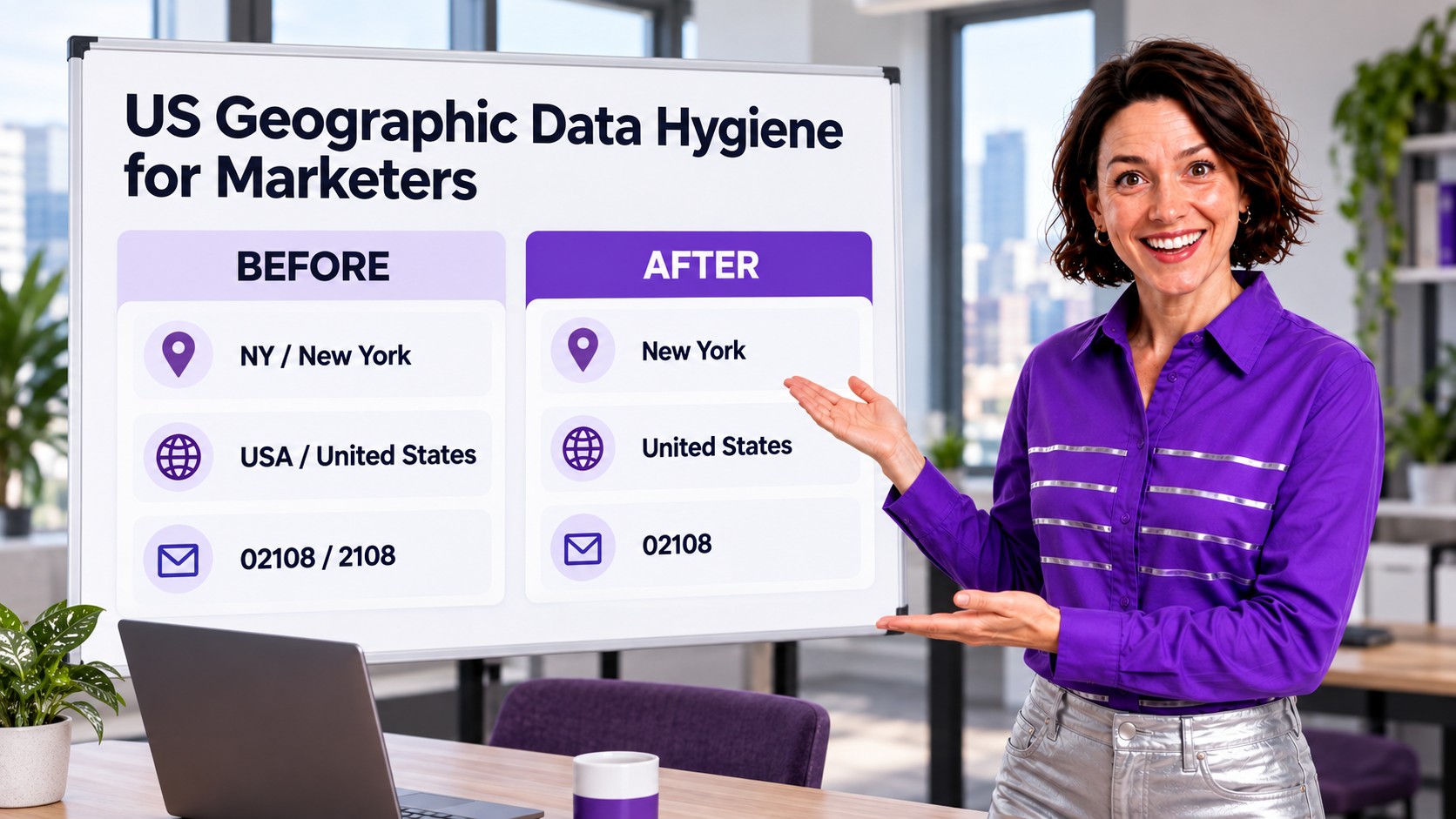
The Marketing Problem: One Region, Several Values
A campaign audience often combines Leads, Contacts, and Campaign Members from forms, trade shows, partner lists, and sales imports. Those sources may represent the same place in different ways. A report grouped by free-text state can split NY, New York, and a misspelling into separate buckets. A ZIP exported to a spreadsheet may appear without its first zero, changing who enters a postal-code filter.
Salesforce campaign member data includes country, state or province, and ZIP or postal code fields. Campaign reports help marketers examine who was targeted and who responded. That makes address hygiene part of campaign measurement, not just mailing accuracy.
What Usually Causes US Geography Drift?
| Field | Common variants | Marketing effect |
|---|---|---|
| State | NY, New York, N.Y., blank | Regional filters and report groups disagree. |
| Country | US, USA, United States, U.S.A. | US-only audiences may be incomplete when text values vary. |
| ZIP | 02108, 2108, 02108-1234 | Postal targeting may miss rows or confuse ZIP5 with ZIP+4. |
| Source | Form, event CSV, enrichment feed | The same bad value can return after a one-time cleanup. |
Salesforce recommends state and country picklists to standardize entry and improve reports. If your org uses them, check its configured labels, codes, and integration values before mapping old text. Do not assume a text replacement is the right operation for a picklist or for every imported record.
A Safer 15,000-Row Cleanup With ZaapIT
Suppose a US marketing team finds 15,000 Leads and Contacts with inconsistent state or country values. The marketer and Salesforce admin agree on canonical values, then work through the data in a controlled order:
- Profile the audience: count records by object, source, state, country, postal code, campaign, and owner. Separate blanks and ambiguous values from clear aliases.
- Confirm the source of ZIP errors: compare Salesforce values with a raw CSV opened as text. A display problem in Excel is not a Salesforce data error.
- Define the mapping: agree whether reports should use New York or NY and United States or US. Match the org’s state and country picklist setup and connected systems.
- Preview the affected records: filter and review the 15,000-row population in ZaapIT, including a sample from each source and exception group.
- Back up and update in batches: apply only approved, unambiguous changes. Flag uncertain ZIPs or addresses for human review instead of guessing a missing digit.
- Validate and recover if needed: compare campaign audience counts and geography reports before and after. Use ZaapIT bulk undo and restore for affected rows if the rule caught the wrong records.
ZaapIT’s useful safety advantage here is the recovery path around a large update. A marketer can agree on the audience and rules while the admin keeps backup, bulk undo, and restore available for the rows actually changed.

Keep the Values Clean After the Campaign
State and country picklists can prevent new spelling variants at entry. Align web forms, import mappings, and integration values with the same standard. For ZIPs, preserve text formatting throughout CSV preparation and decide whether segmentation uses ZIP5, ZIP+4, or a separate normalized field. Never pad every four-digit value with zero without checking the underlying address.
After the update, rerun the same Campaign Member and Lead or Contact reports. Compare counts by state and source, inspect exceptions, and confirm that active campaigns still contain the intended audience. This turns data hygiene into a repeatable marketing operations check.
Build Cleaner US Campaign Audiences
Review geography values at scale with ZaapIT, apply approved updates, and protect the affected records with backup, bulk undo, and restore.
Frequently Asked Questions
Why do NY and New York appear separately in Salesforce reports?
If state values are stored as inconsistent text, the report can group each distinct value separately. Standardized state and country picklists help prevent new variants, while existing records need a reviewed conversion.
Does a four-digit ZIP in an export mean Salesforce lost a zero?
Not necessarily. Spreadsheet software can strip a leading zero when opening a CSV. Check the value in Salesforce and in the raw CSV before editing the record.
Should every four-digit ZIP be padded with zero?
No. First verify the underlying address and source file. An automatic zero could turn a different data error into a plausible but incorrect ZIP.
What should marketers validate after state and country cleanup?
Compare campaign audience counts, report groups, lead and contact source segments, and exceptions before and after the update. Confirm that active campaign membership still matches the intended geography.
How can ZaapIT reduce the risk of a large geography update?
Admins can filter and review affected rows, apply approved changes in bulk, and keep a recovery path with backup, bulk undo, and restore if a mapping or filter needs correction.