How San Diego Medtech Teams Clean Device Asset Records Safely
Why Accurate Device Assets Matter for San Diego Medtech Teams
A San Diego medical-device team sees one installed device appear twice in Salesforce after distributor and field-service imports. Cases and coverage checks point to different Asset records, so reports overcount the installed base and support staff cannot trust a single history. This anonymized composite scenario uses an illustrative 15,000-row review to show how an admin can verify physical-device identity, protect related service records, and use ZaapIT preview, backup, controlled updates, bulk undo, and restore where applicable.

Why This Use Case Matters in San Diego
Biocom California’s 2026 Life Science Economic Impact Report, developed with UC San Diego, reports 61,866 direct life-sciences workers and $55.2 billion in economic output in San Diego in 2025. Those figures cover life sciences broadly, not medical devices alone. San Diego Regional EDC’s manufacturing research identifies surgical and medical-instrument manufacturing within the region’s life-sciences manufacturing base. For a device company selling and servicing installed equipment, a reliable installed-base record is operationally important: it connects the physical unit to the right site, service work, and coverage decision. The FDA-hosted UDI implementation roadmap warns that missing standardized identifiers can create multiple entries for the same device and even assign the same identifier to distinct items. For a San Diego medtech team’s installed-base report, this is a reason to validate manufacturer, model, serial, and installation context before consolidating Asset records.
Use Case: One Physical Device, Two Asset Records
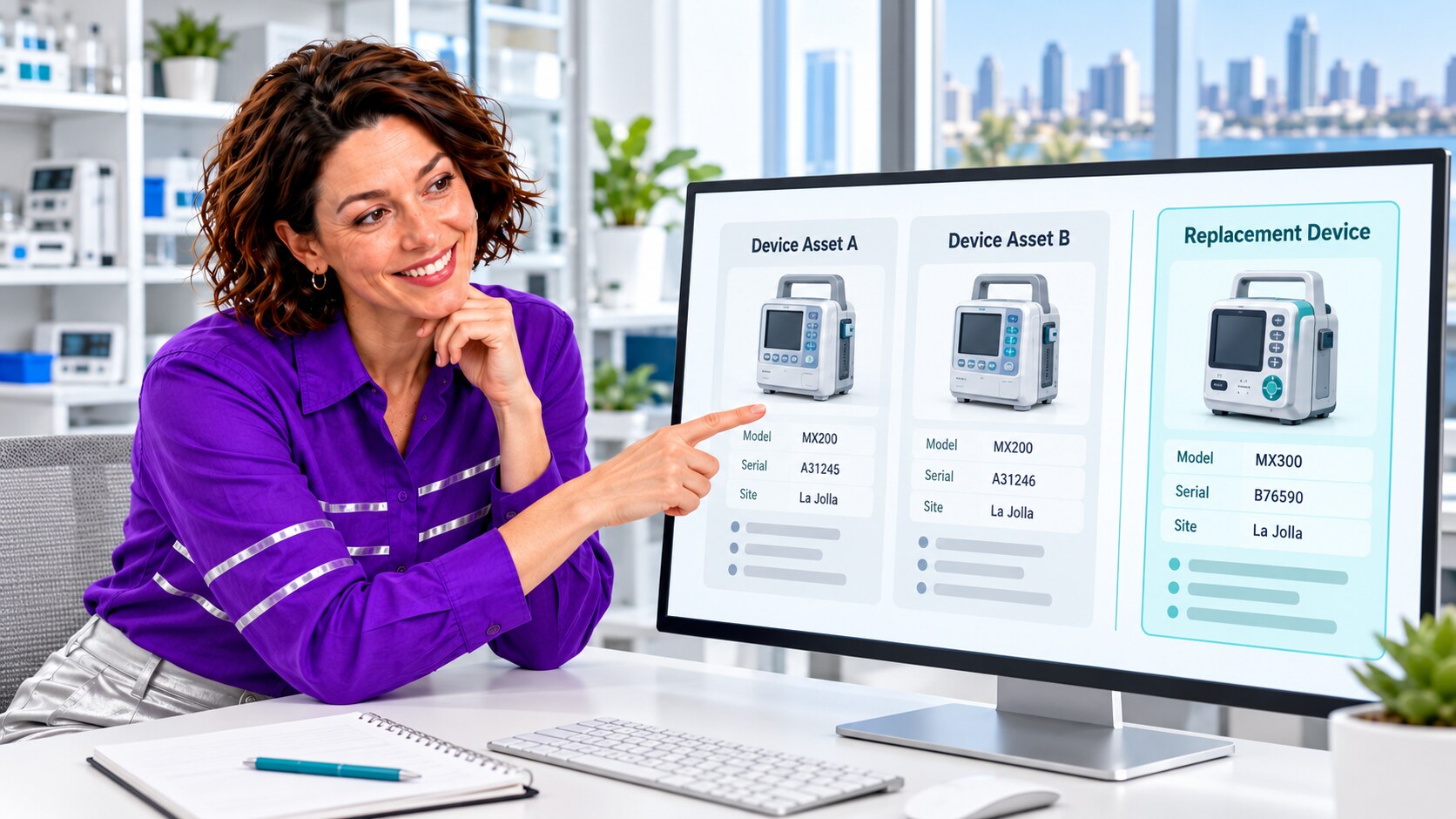
A distributor file created an Asset using its own identifier and a serial number with a dash. A service intake later created another Asset for the same model and installation site with the dash removed. One record held the original sale and coverage dates; the other collected Cases and work orders. An installed-base report counted two units, while a support agent viewing either record saw only part of its history. This is an example pattern, not a claim about a particular company.
The admin defined the unit of identity as the verified physical device, not just a matching serial string. Manufacturer, model, normalized serial, source-system ID, site, installation date, and replacement history all matter. A loaner, component, or replacement at the same site must remain a separate Asset when it is a separate physical item.
| Potential match | Check before changing anything | Decision |
|---|---|---|
| Same model and serial after punctuation normalization | Confirm manufacturer ID, site, source IDs, and installation dates. | Candidate for reviewed consolidation, not an automatic merge. |
| Same site and similar serial, different model | Inspect device labels and replacement or component relationships. | Keep separate unless the equipment owner verifies a data-entry error. |
| Same device, service work split across records | Inventory linked Cases, work orders, entitlements, maintenance plans, and custom objects. | Plan each relationship correction explicitly before retiring a record. |
Why Salesforce Needs an Asset-Specific Cleanup Plan
Salesforce Help describes Assets as records with serial and purchase information that can link to Cases, work orders, maintenance plans, entitlements, and contract line items. Salesforce’s supplied standard duplicate rules are for Accounts, Contacts, Leads, and Person Accounts, not a ready-made installed-device identity policy. An org can evaluate custom matching, validation, and integration controls, but those require the actual Asset data model and business exceptions to be defined.
An External ID is useful for upsert and cross-system mapping, yet Salesforce notes it is not inherently unique; the Unique setting is separate. The admin therefore checked whether distributor and service feeds used the same durable key, whether uniqueness was enforced appropriately, and whether parallel jobs could create competing Asset rows. Matching rules alone cannot decide whether two physical devices should be treated as one.
A Safer ZaapIT Workflow for an Illustrative 15,000-Row Review
- Baseline the installed base: export Asset IDs, manufacturer, model, serial, source ID, site, status, warranty dates, and counts of related service records. Save current reports and exception lists.
- Profile candidate groups: use ZaapIT filters and matching review to surface punctuation, case, and source-system variations. Route low-confidence matches, replacements, loaners, and components to a device owner.
- Preview and back up: inspect proposed field changes and affected rows before a mass update. Preserve relationship IDs, source values, and an old-to-new ID crosswalk.
- Standardize approved fields: correct only verified model, serial-format, site, and source-ID values; do not overwrite disputed warranty or coverage dates from a less trusted feed.
- Consolidate deliberately: use ZaapIT’s deduplication workflow only for confirmed duplicate Assets and validate the object’s supported merge behavior in the target org. Where a direct merge is not appropriate, correct references and retire the duplicate through an approved procedure.
- Run controlled batches: watch triggers, flows, field-service integrations, entitlements, and downstream exports as each approved batch completes.
- Reconcile and recover: compare distinct verified devices, open service work, coverage exceptions, and sampled histories with the baseline. ZaapIT backup, bulk undo, and restore support correction of affected rows where applicable; test any merge-specific restoration and related-record recovery separately.
Bulk undo and restore make a large cleanup safer because a bad filter or mapping need not become an irreversible mass edit. They do not replace a sandbox rehearsal, approvals, or checks that service relationships and coverage decisions survived correctly.

How the Admin Knows the Installed Base Is Cleaner
The composite team checks more than a lower duplicate count. A reviewer verifies a sample of physical-device identities against the authoritative device or distributor source, confirms that true replacements remain distinct, and compares each chosen Asset’s Cases, work orders, and coverage links with the saved crosswalk. Installed-base reports are rerun by model and site, with exception counts tracked separately. Finally, the import owners agree on a durable source key and normalization rules so the next feed does not recreate the same duplicates.
- Keep one verified identity per physical device, with separate replacement and component records where appropriate.
- Preserve original Asset IDs and a mapped history of changed relationships.
- Check entitlement and warranty decisions against their authoritative source, not a fuzzy match.
- Record batch results, reviewer decisions, backup scope, and a tested restoration route.
Give Every Device a Trustworthy Salesforce History
Use ZaapIT to review duplicate candidates, standardize verified Asset data, and execute controlled cleanup with backup, bulk undo, and restore for affected rows where applicable.
Frequently Asked Questions
Is the serial number enough to identify a unique Salesforce Asset?
No. Check manufacturer, model, source-system identifier, site, installation date, and replacement or component relationships. Similar or reformatted serials are candidate signals, not proof that two records represent one physical device.
Why can duplicate Assets distort service reporting?
The same installed unit can be counted twice while its Cases, work orders, maintenance plans, or entitlements point to different records. That splits the history a support team needs for coverage and installed-base reporting.
Do Salesforce standard duplicate rules cover this installed-device case?
Salesforce’s supplied standard duplicate rules target Accounts, Contacts, Leads, and Person Accounts. An Asset-specific policy needs review of the org’s data model, source identifiers, custom controls, and real physical-device exceptions.
What should be checked before bulk undo or restore?
Confirm which rows, fields, and relationships the backup covers; rehearse the restore in a sandbox; and compare service and coverage links afterward. Merge-specific effects may need a separate recovery plan.
Is this a real San Diego customer result?
No. This is an anonymized composite scenario. The 15,000-row example and visual device details are illustrative, not measured results from an identified customer.
Useful ZaapIT Resources
Sources
- FDA and Brookings: UDI implementation roadmap on duplicate device entries
- Biocom California and UC San Diego: 2026 Life Science Economic Impact Report
- San Diego Regional EDC: Manufacturing in San Diego
- Salesforce Help: Set Up Assets
- Salesforce Help: Standard Duplicate Rules
- Salesforce Help: External ID and Unique ID