Safely Clean Up Invalid Salesforce Email Data on Leads and Contacts
How Can Salesforce Admins Safely Fix Bad Email Data Without Breaking Campaigns?
Bad email data in Salesforce usually starts small: blank Lead emails, bounced Contact addresses, duplicate emails shared by several records, malformed domains, personal emails on business Accounts, and old addresses imported from disconnected systems. Over time, those values damage duplicate matching, campaign segmentation, sales follow-up, and reporting. This guide explains how admins can find, review, fix, and recover email hygiene updates safely with ZaapIT.
The Admin Problem: Email Fields Drive More Than Messaging
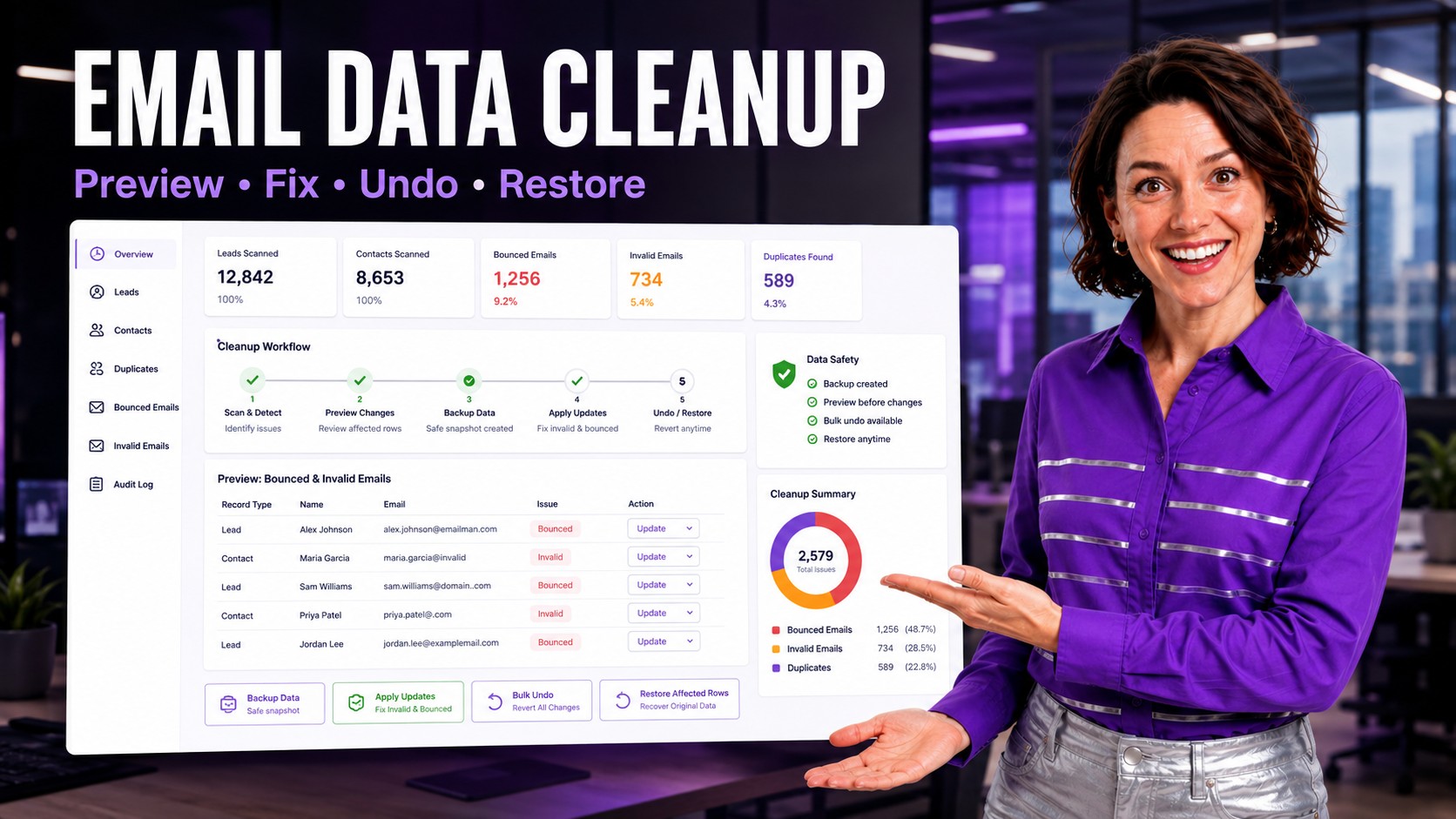
Email is not just a contact detail. In Salesforce, email values can affect Lead matching, Contact matching, campaign membership, marketing sync, duplicate detection, routing, enrichment, and owner follow-up. When email data is wrong, teams can miss real prospects, contact the wrong person, or trust duplicate groups that should have been reviewed first.
Admins usually discover the issue through bounce reports, duplicate warnings, campaign sync failures, suspicious report groupings, or sales complaints that the same person exists multiple times. By then the cleanup may span thousands of Leads and Contacts across several owners, campaigns, and source systems.
Why Salesforce Email Data Gets Messy
Email hygiene problems often come from imports, web forms, event lists, integrations, old marketing automation data, sales rep entry, and acquired databases. Each source uses different validation rules. Some allow personal domains, some allow missing values, and some produce role-based inboxes such as info@ or sales@.
Duplicate management also depends heavily on clean identifying fields. If the same person appears as maria@company.com, m.garcia@company.com, and a blank email record, native matching rules may not behave the way admins expect. Clean email data makes duplicate review more reliable, but only if the cleanup is controlled.
What to Review Before Updating Lead and Contact Emails
| Issue | Admin Risk | Safer Cleanup Action |
|---|---|---|
| Blank email | Campaigns, deduplication, and outreach cannot identify the person reliably. | Segment by source and owner before deciding whether to enrich, flag, or suppress. |
| Bounced email | Sales and marketing may keep sending to an address that no longer works. | Filter by bounce reason, last activity, and related Account before updating status fields. |
| Malformed email | Imports and integrations may reject or misread the value. | Use pattern checks and manual review for rows that cannot be corrected safely. |
| Duplicate email | Several Leads or Contacts may represent the same person or a shared inbox. | Send duplicate groups to review before merge or owner reassignment. |
| Old domain | Company rebrands and acquisitions leave outdated addresses in reports and campaigns. | Update in controlled batches after validating the new domain rule. |
How ZaapIT Helps Clean Email Data Safely
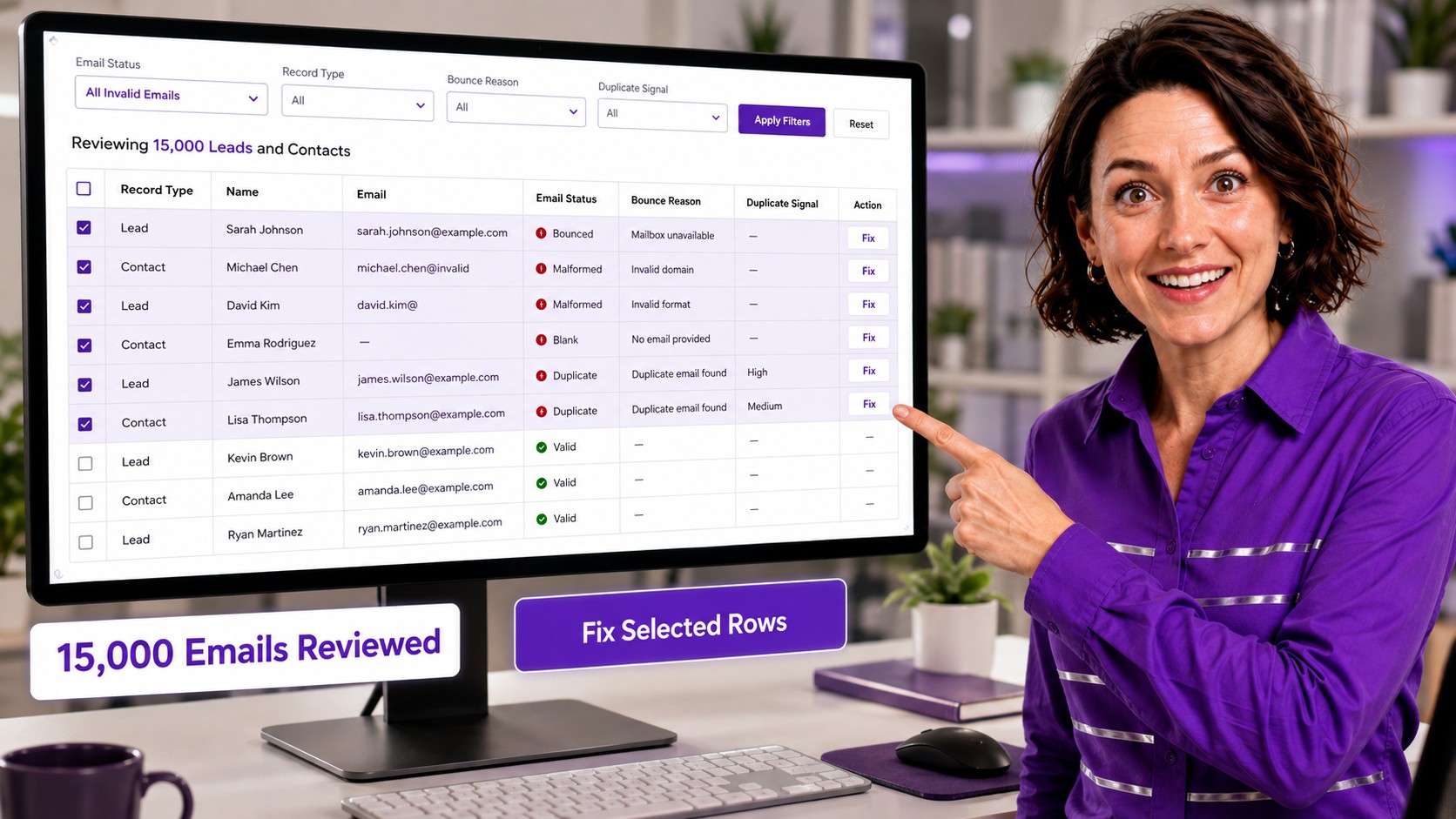
ZaapIT gives Salesforce admins a practical workflow for high-volume Lead and Contact email cleanup. Admins can filter records, review a grid of affected rows, select exact records, update fields, and keep a recovery path for the update. For example, an admin can review 15,000 Leads and Contacts with bounced, blank, malformed, or duplicate email values before applying an approved cleanup rule.
- Find affected rows: filter by Lead or Contact, email status, bounce reason, source, owner, campaign, domain, or duplicate signal.
- Review before update: inspect email values, related Accounts, duplicate indicators, and exception rows before committing.
- Update controlled fields: standardize email status, fix known domain changes, suppress invalid rows, or flag records for manual verification.
- Recover affected rows: use backup, bulk undo, and restore if a cleanup rule affects rows that should not have changed.
The Unique Safe Selling Point: Recovery for the Exact Rows Changed
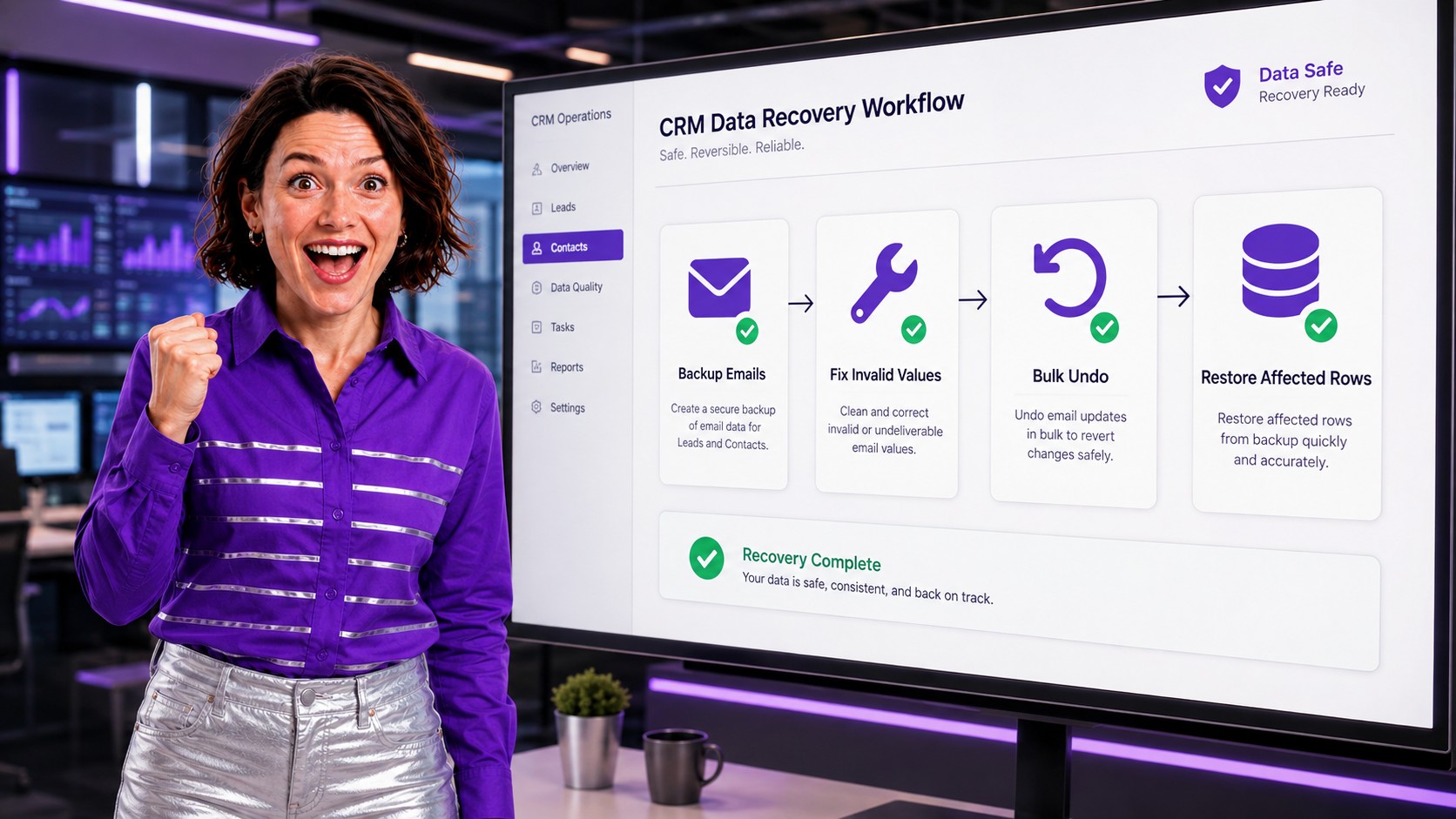
Email cleanup is sensitive because one wrong bulk update can suppress active buyers, damage campaign membership, or reduce trust in duplicate matching. ZaapIT’s safe selling point is the recovery path: admins can back up affected rows, run the cleanup, then use bulk undo or restore affected rows if the filter or update value needs correction.
That changes the admin workflow. Instead of exporting data and hoping a spreadsheet can be reconstructed later, the cleanup becomes a controlled Salesforce operation with preview, backup, update, validation, and recovery.
Recommended Cleanup Workflow
- Separate the issue types: blank, bounced, malformed, duplicate, personal-domain, and old-domain records need different handling.
- Protect active records: exclude open Opportunities, active Cases, executive Accounts, and high-intent Leads unless the business owner approves the rule.
- Review a large sample: inspect owner, source, campaign, domain, and related Account context before scaling beyond the first page.
- Back up affected rows: preserve current values before changing status, email fields, owner fields, or cleanup flags.
- Update in planned batches: fix safe values, mark unverifiable records for review, and avoid mixing unrelated cleanup goals.
- Validate reports and matching: compare campaign counts, duplicate reports, bounce fields, and marketing sync queues after the update.
How Email Hygiene Improves Salesforce Reporting
Cleaner email data improves more than deliverability. It helps duplicate rules work better, makes campaign reports easier to trust, improves source attribution, and reduces false counts in Lead and Contact dashboards. It also helps admins explain which records are contactable, which need enrichment, and which should be excluded from active outreach.
The goal is not to force every row into a perfect value. The goal is to make email status clear, keep high-risk updates reversible, and give sales and marketing teams a cleaner basis for action.
Make Salesforce Email Cleanup Safer
Use ZaapIT to filter bad email data, preview affected Leads and Contacts, back up the update, fix records in bulk, and use bulk undo or restore when correction is needed.
Frequently Asked Questions
What makes Salesforce email data bad?
Bad email data includes blank values, bounced addresses, malformed addresses, old domains, shared inboxes, duplicate email values, and records where the email no longer matches the current customer relationship.
Should admins delete Leads or Contacts with invalid emails?
Usually not immediately. Admins should first review source, activity, related Account, ownership, and duplicate signals. Some records should be enriched or flagged instead of deleted.
How does bad email data affect duplicate matching?
Email is a common matching signal. Blank, old, malformed, or inconsistent emails can hide real duplicates or create misleading duplicate groups that need admin review before merge.
Why should email cleanup be backed up first?
Email cleanup can affect campaigns, follow-up, duplicate review, and reporting. A backup lets admins use bulk undo or restore affected rows if a filter or update rule needs correction.
Can ZaapIT help review large email cleanup lists?
Yes. ZaapIT helps admins filter and review high-volume Lead and Contact lists, such as 15,000 affected rows, before applying approved updates and validating the result.