Salesforce Duplicate Management alternative with mass merge automation bulk undo and restore

Salesforce Duplicate Management Alternative: Overcome Native Limits With ZaapIT

How Can Salesforce Admins Overcome Native Duplicate Management Limits?

Salesforce Duplicate Management is useful for warning users and blocking obvious duplicates, but native cleanup becomes manual and constrained at scale. Admins encounter small merge batches, edition-limited duplicate jobs, rule and trigger gaps, custom-object restrictions, and no easy transactional undo. ZaapIT Dedup Manager is the strongest practical alternative when the goal is advanced matching, automated mass merge, related-record control, and recoverable cleanup.

Salesforce Duplicate Management alternative with mass merge automation bulk undo and restore
Go beyond native duplicate-management limits with scalable matching, mass merge, automation, and a recovery path.

Read More

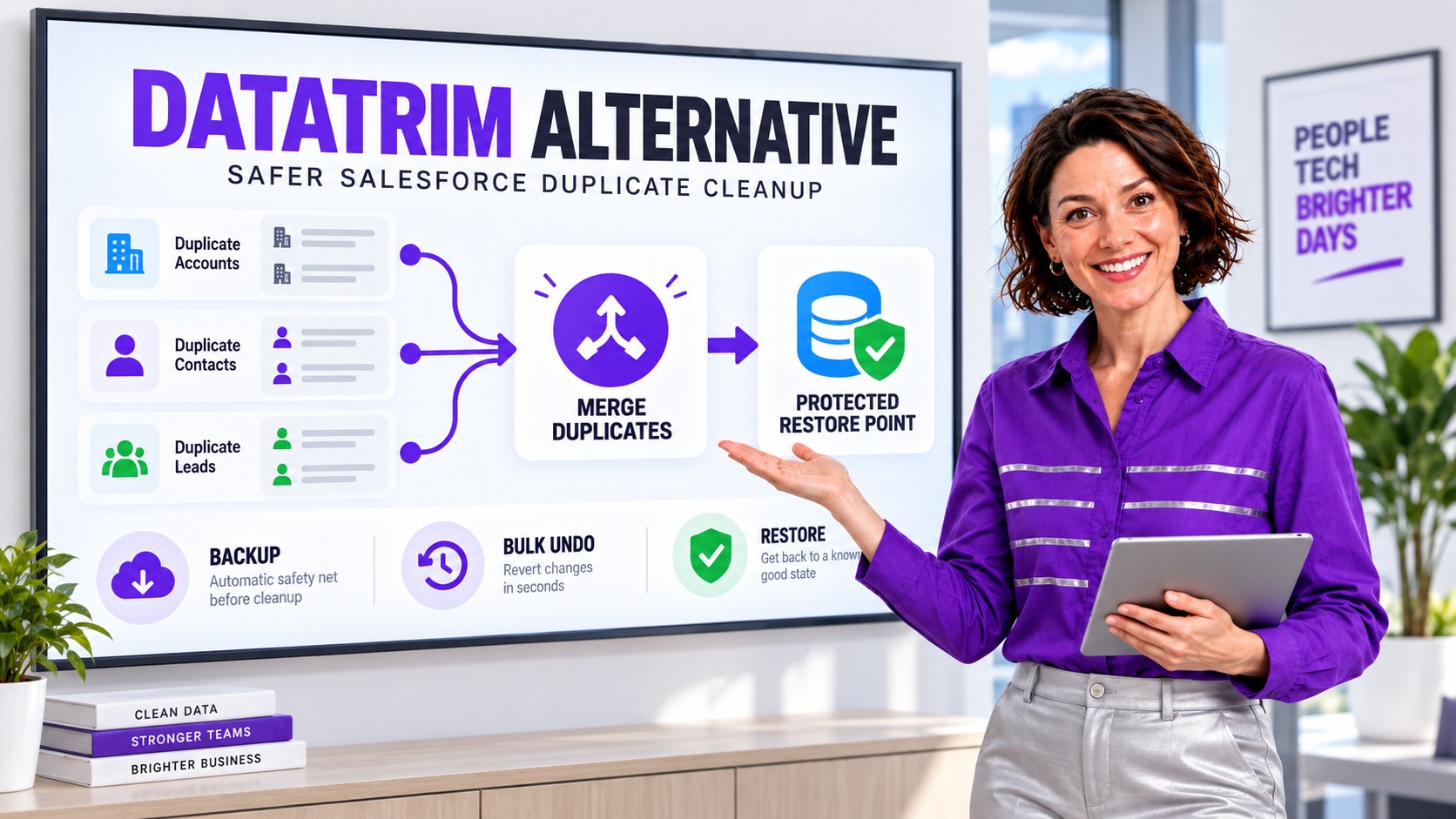
DataTrim alternative for safer Salesforce duplicate cleanup with backup bulk undo and restore

DataTrim Is Retiring: A Safer Salesforce Alternative With ZaapIT

What Should Salesforce Admins Do After DataTrim Announced Its Retirement?

DataTrim has announced that it is retiring its Salesforce solution, so affected admins need a controlled transition rather than a rushed replacement. ZaapIT Dedup Manager is a strong alternative for accurate matching, controlled mass merge, field survivorship, related-record handling, and a practical recovery path through affected-row backup, bulk undo, and restore.

DataTrim alternative for safer Salesforce duplicate cleanup with backup bulk undo and restore
Evaluate a DataTrim alternative using matching quality, merge control, affected-row backup, bulk undo, and restore.

Read More

Create a Salesforce passkey on Mac with Apple Passwords and iCloud Keychain

How to Create a Salesforce Passkey on Mac With Apple Passwords

How Do You Save a Salesforce Passkey Correctly on a Mac?

On a current Mac, the right setup uses Apple Passwords with iCloud Keychain and Password AutoFill enabled under the intended Apple Account. Register the passkey from Salesforce, approve it with Touch ID or the available Mac authentication option, and test it before removing any older verification method. This guide covers each step and the mistakes that can leave a passkey on the wrong device or outside iCloud Keychain.

Create a Salesforce passkey on Mac with Apple Passwords and iCloud Keychain
Prepare Apple Passwords and iCloud Keychain, create the Salesforce passkey, and approve it with Touch ID.

Read More

Create a Salesforce passkey with Microsoft Password Manager in Microsoft Edge

How to Create a Salesforce Passkey With Microsoft Password Manager in Edge

How Do You Save a Salesforce Passkey to the Correct Edge Profile?

Open Microsoft Edge, select the profile icon at the top right, set up a separate profile, and sign in with the Microsoft account that should store your passkeys. Then create the Salesforce passkey and choose Microsoft Password Manager instead of a local-only Windows Hello credential. This guide explains the complete setup, login test, and recovery checks.

Create a Salesforce passkey with Microsoft Password Manager in Microsoft Edge
Add the correct Edge profile, sign in to Microsoft, and save the Salesforce passkey to Microsoft Password Manager.

Read More

Create a Salesforce passkey with Google Password Manager in three steps

How to Create a Salesforce Passkey With Google Password Manager

How Do You Save a Salesforce Passkey to the Right Google Account?

The safest setup starts before the Salesforce prompt appears. Open Chrome’s profile menu at the top right, add a dedicated Chrome profile, and sign in with the Google account that should hold your work passkeys. Then register the Salesforce passkey and allow Google Password Manager to save it. This guide walks through the process and the checks that prevent the passkey from being stored locally or under the wrong Google account.

Create a Salesforce passkey with Google Password Manager in three steps
Use the correct Chrome profile, sign in to the intended Google account, and save the Salesforce passkey to Google Password Manager.

Read More

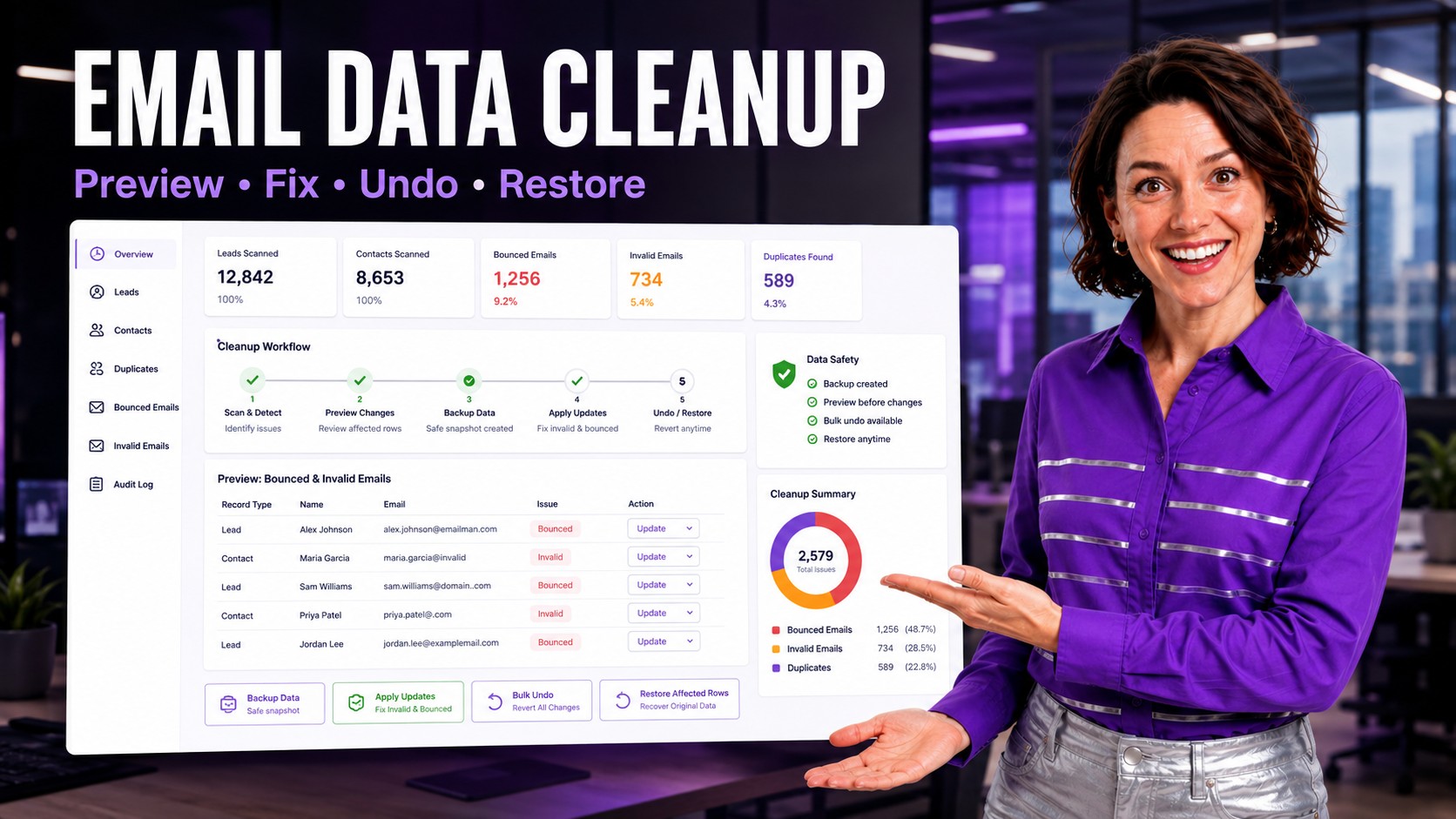
ZaapIT Salesforce email data cleanup hero with preview fix undo and restore workflow

Safely Clean Up Invalid Salesforce Email Data on Leads and Contacts

How Can Salesforce Admins Safely Fix Bad Email Data Without Breaking Campaigns?

Bad email data in Salesforce usually starts small: blank Lead emails, bounced Contact addresses, duplicate emails shared by several records, malformed domains, personal emails on business Accounts, and old addresses imported from disconnected systems. Over time, those values damage duplicate matching, campaign segmentation, sales follow-up, and reporting. This guide explains how admins can find, review, fix, and recover email hygiene updates safely with ZaapIT.

ZaapIT Salesforce email data cleanup hero with preview fix undo and restore workflow
Email data cleanup is safer when admins can preview affected Leads and Contacts, back them up, fix values, bulk undo, and restore affected rows.

Read More

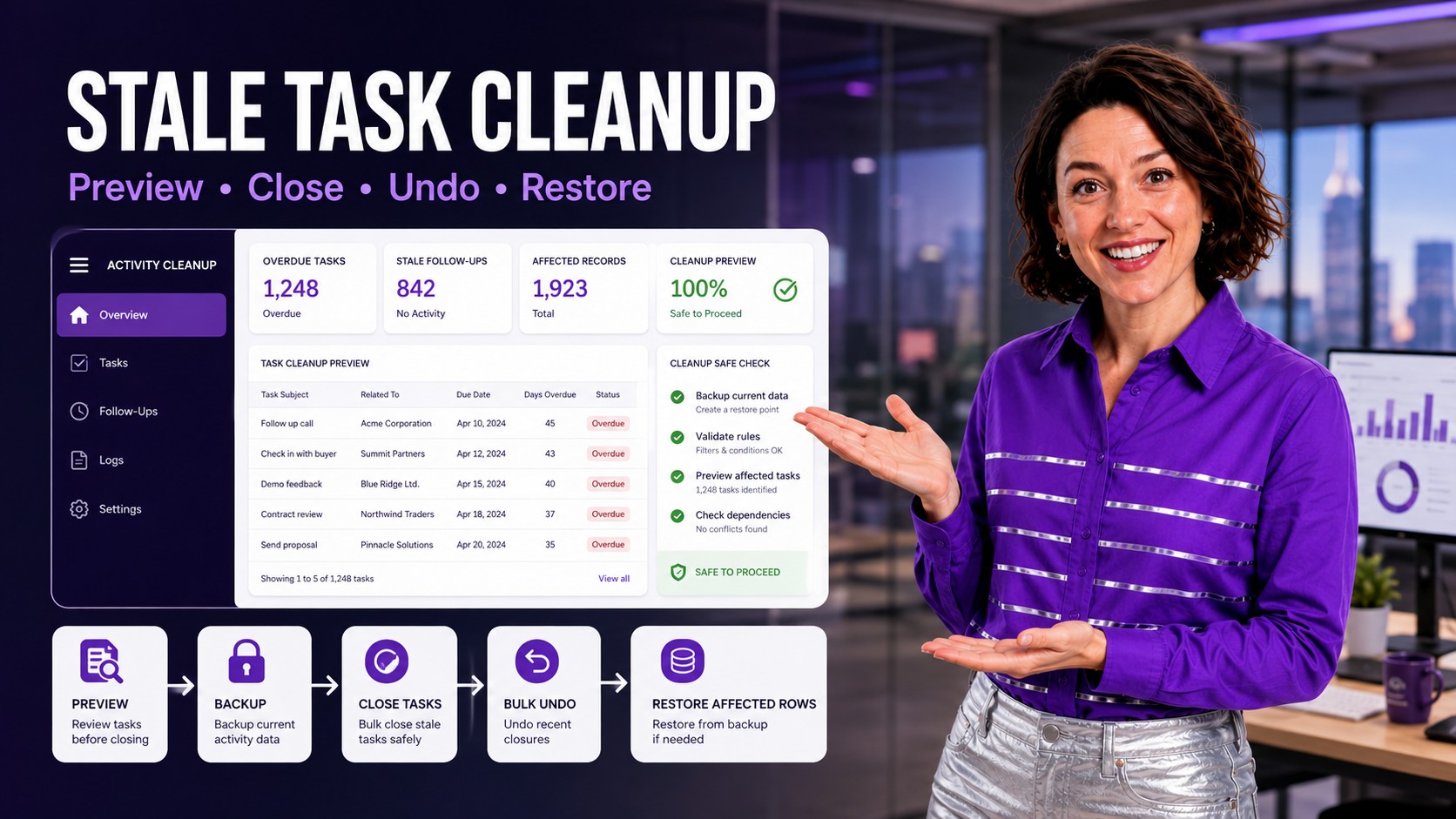
ZaapIT stale Salesforce task cleanup hero with preview close undo and restore workflow

Safely Close Stale Salesforce Tasks: Activity Cleanup for Admins

How Can Salesforce Admins Safely Clean Up Thousands of Overdue Tasks?

Old open Tasks can make Salesforce look busier than it really is. Sales reps see follow-ups that no longer matter, managers see inflated activity backlogs, and activity reports become harder to trust. This post explains how admins can identify stale Tasks, review the affected activity data, close or update records in controlled batches, and keep a recovery path with ZaapIT.

ZaapIT stale Salesforce task cleanup hero with preview close undo and restore workflow
Stale task cleanup is safer when admins can preview affected activities, back them up, close them, bulk undo, and restore affected rows.

Read More

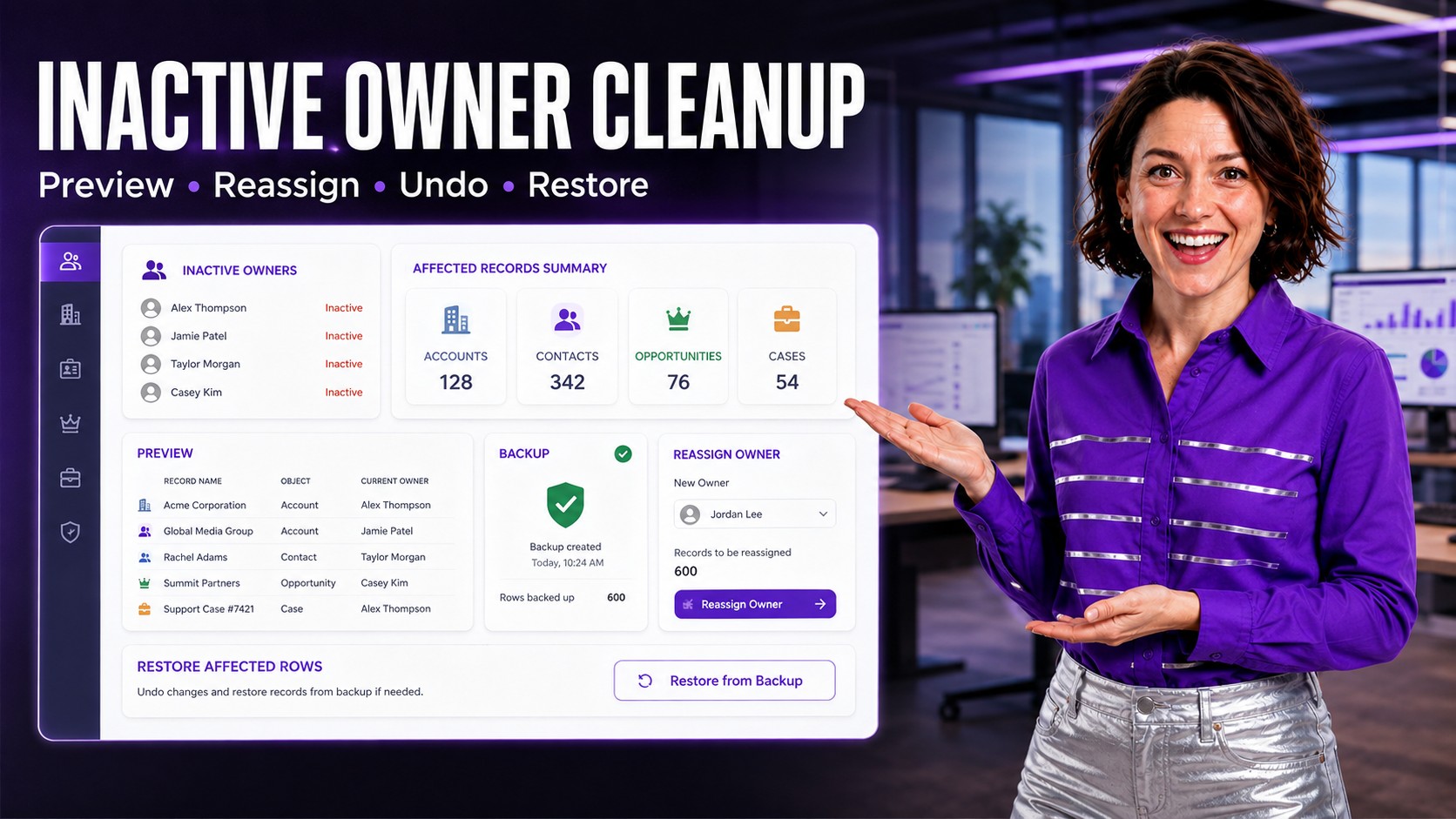
ZaapIT inactive owner cleanup hero showing Salesforce records reassigned safely

Safely Reassign Salesforce Records Owned by Inactive Users

How Can Salesforce Admins Safely Reassign Records From Inactive Users?

When a Salesforce user leaves the company, their Accounts, Contacts, Opportunities, Cases, Tasks, and custom records often stay behind. The cleanup looks simple until admins discover ownership rules, open work, related records, reports, queues, sharing, and automation dependencies. This guide explains how to identify records owned by inactive users, reassign them safely, and keep a recovery path with ZaapIT.

ZaapIT inactive owner cleanup hero showing Salesforce records reassigned safely
Inactive owner cleanup is safer when admins can preview, back up, reassign, bulk undo, and restore affected rows.

Read More