DataTrim Is Retiring: A Safer Salesforce Alternative With ZaapIT
What Should Salesforce Admins Do After DataTrim Announced Its Retirement?
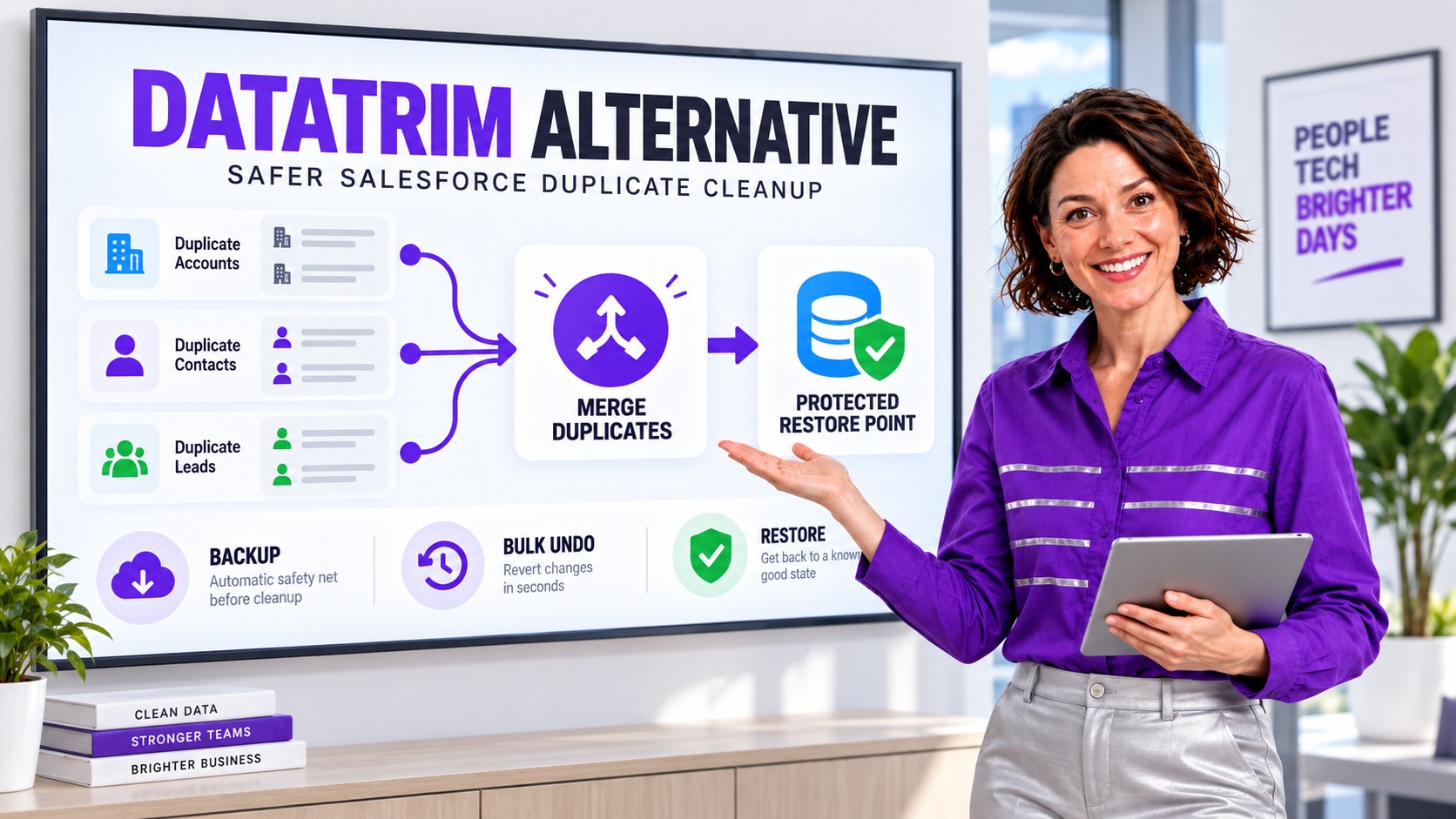
DataTrim has announced that it is retiring its Salesforce solution, so affected admins need a controlled transition rather than a rushed replacement. ZaapIT Dedup Manager is a strong alternative for accurate matching, controlled mass merge, field survivorship, related-record handling, and a practical recovery path through affected-row backup, bulk undo, and restore.
DataTrim’s Salesforce Retirement Announcement: What It Means
DataTrim has announced to customers that it is retiring its Salesforce solution. At the time of this update, DataTrim’s public website and Salesforce AppExchange listing still describe Dupe Alerts as available. Public pages can remain online during a product transition, so customers should confirm their own support, renewal, access, and end dates directly with DataTrim rather than assume one universal deadline.
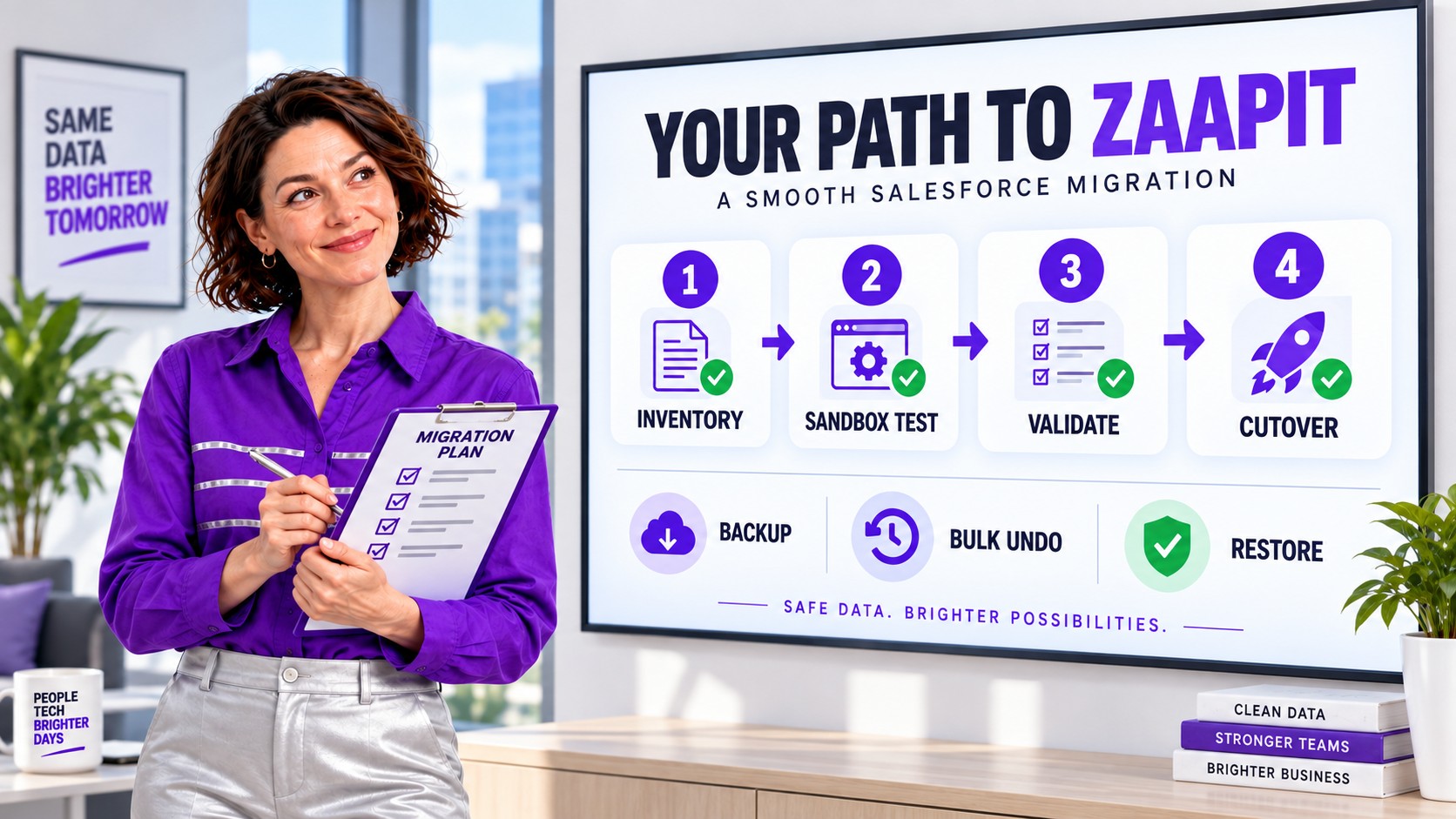
The announcement is a planning trigger, not a reason to uninstall immediately. Before changing packages or scheduled jobs, document how DataTrim is used today: active alerts, matching criteria, false-positive exclusions, master recommendations, survivorship rules, batch schedules, user review queues, reports, custom fields, automation, and dependencies on DataTrim objects.
- Ask DataTrim for the written retirement timeline that applies to your agreement.
- Inventory every active alert, schedule, matching rule, merge rule, report, and integration dependency.
- Preserve screenshots and exports of current configuration before changing or removing anything.
- Rebuild and validate matching behavior in a Salesforce sandbox.
- Run both merge and restore tests before a production cutover.
- Keep the old process available until the replacement passes business-owner acceptance.
Why Salesforce Teams Look for a DataTrim Alternative
DataTrim Dupe Alerts is a Salesforce-native deduplication product with alerting, duplicate review, merge and convert workflows, batch processing, and support for day-to-day participation by admins and users. Those are meaningful capabilities. An alternative evaluation should therefore focus on operational fit rather than a feature-count contest.
The important question is what happens across the entire cleanup lifecycle: how potential duplicates are identified, how the master record is selected, how field values and related lists are preserved, how large jobs are previewed and scheduled, and how the team recovers if the outcome is not what it expected.
DataTrim Dupe Alerts and ZaapIT: What to Compare
| Evaluation area | DataTrim Dupe Alerts | ZaapIT Dedup Manager | Admin test |
|---|---|---|---|
| Salesforce workflow | Documented as an integrated Salesforce solution with duplicate alerts, review lists, and merge or convert workflows. | Runs through Dedup Manager jobs inside Salesforce with configurable scans, previews, and merge actions. | Confirm permissions, object coverage, and whether the interface fits the people who will review exceptions. |
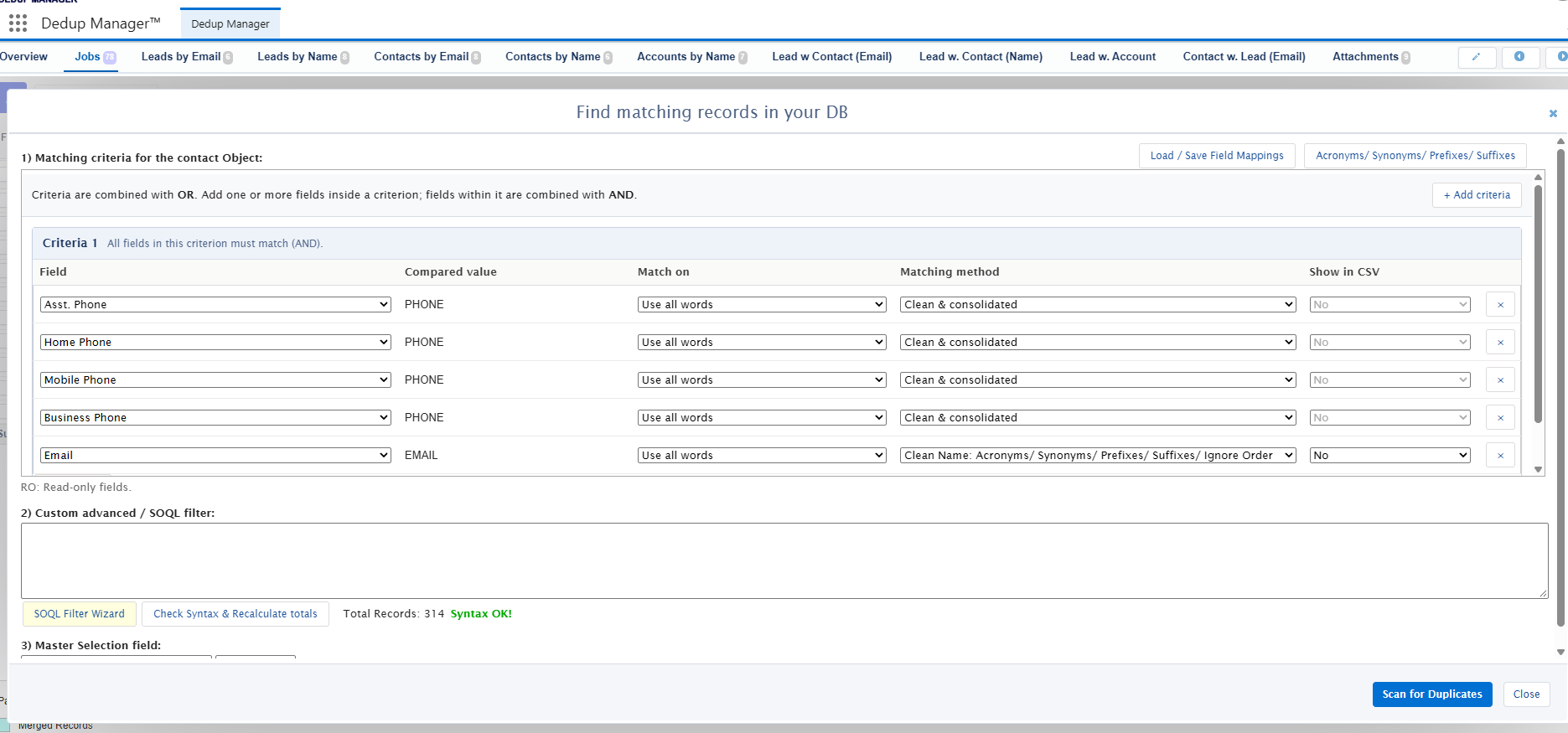
| Matching | Supports configurable alerts and matching criteria for potential duplicates. | Supports exact, fuzzy, cross-object, formula-based, and custom-filter approaches for identifying duplicate groups. | Use a labeled sample containing true duplicates, near matches, shared emails, and intentional lookalikes. |
| Master and field strategy | Provides master recommendations, merge rules, and survivorship controls. | Lets admins define the master-record rule and field-level copy or retention strategy, including keeping useful non-empty values. | Test conflicting phone numbers, newer addresses, owner fields, opt-outs, and blank-versus-populated values. |
| Scale and automation | Documents batch processing for large duplicate sets and scheduled operations. | Supports scheduled merge jobs and smart batch processing for high-volume cleanup. | Benchmark the actual org, including automation, validation rules, sharing, and API or Apex limits. |
| Related records | Documents handling of relationships and account-contact scenarios. | Can merge related lists according to the configured job and reconnect supported relationships during restore. | Validate Cases, Opportunities, Tasks, custom relationships, portal users, and account hierarchies in a sandbox. |
| Recovery | Ask the vendor to demonstrate its current rollback behavior for your exact objects and merge path. | Explicitly documents affected-row backup plus bulk undo and restore for supported changes and merges. | Run a deliberate bad merge in a sandbox and measure whether records, field values, IDs, lookups, and related lists return as expected. |
ZaapIT’s Distinctive Safety Advantage: Bulk Undo and Restore
Duplicate cleanup is unusually sensitive because a merge combines data, reparents related records, and removes losing records. Even a well-designed matching rule can encounter an exception: a shared family email, two branches with similar names, a recycled phone number, or an integration that populated the wrong identifier.
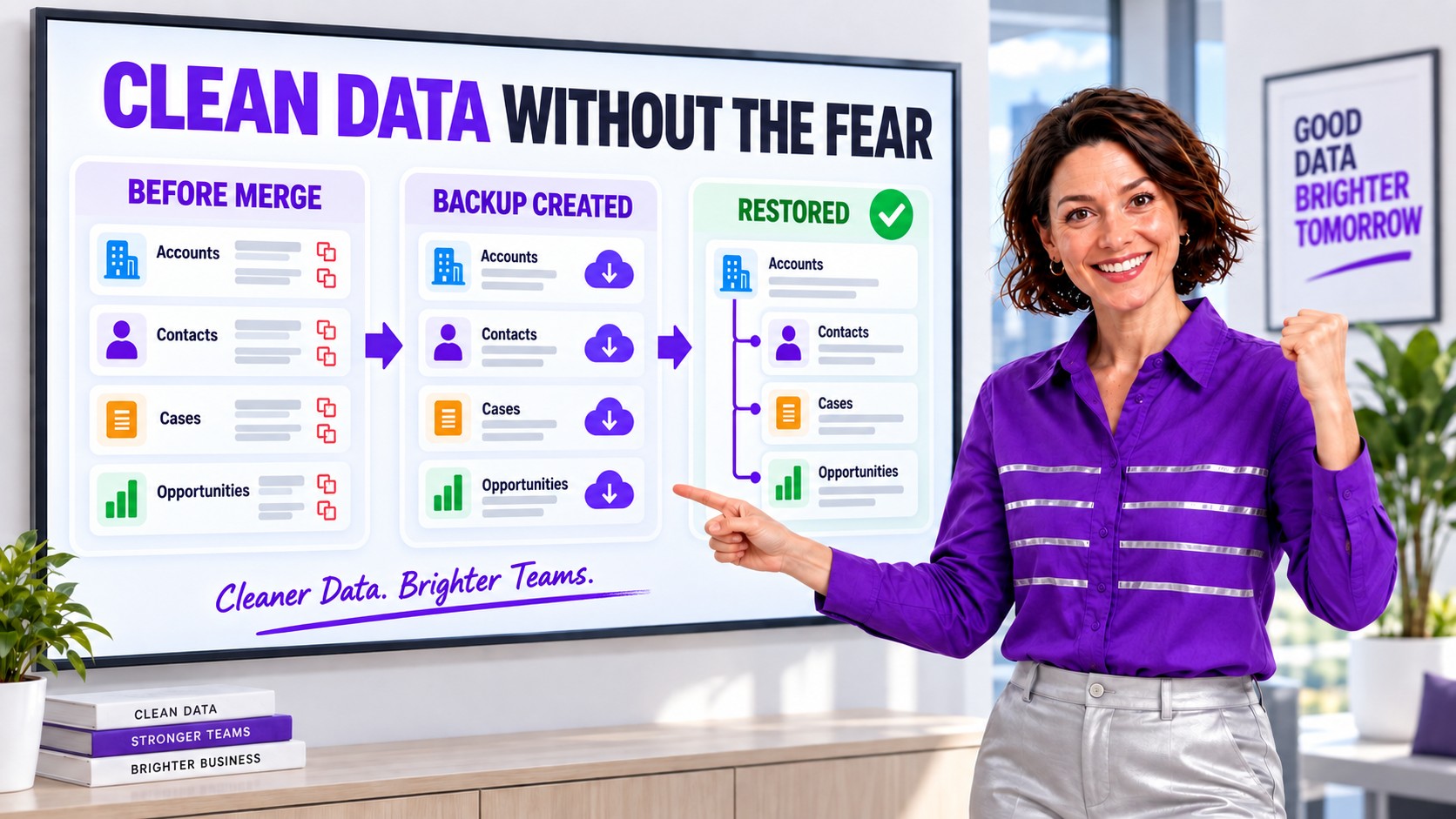
ZaapIT can back up the affected rows inside Salesforce before supported merge or mass-change operations. If the result is wrong, an admin can use bulk undo and restore instead of rebuilding records manually from exports. For merges, the recovery workflow is designed to restore the original records and reconnect supported relationships, IDs, lookups, and related-list data.
This is the key reason to evaluate ZaapIT as a DataTrim alternative: the differentiator is not simply finding more possible duplicates. It is giving admins a controlled route back when an approved cleanup still produces an unexpected outcome.
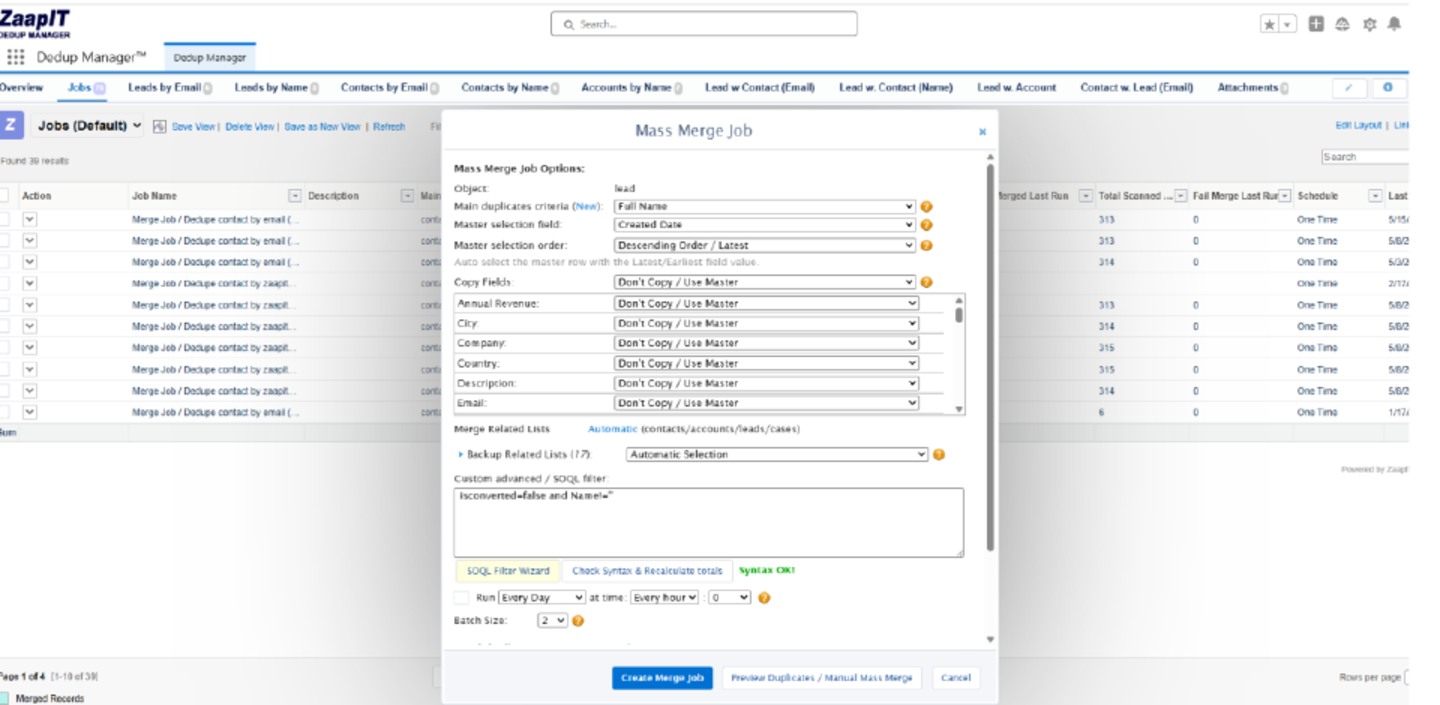
How to Evaluate the Alternative in a Salesforce Sandbox
- Define the duplicate population. Choose Accounts, Contacts, Leads, Person Accounts, or a custom object and document the business meaning of a true duplicate.
- Build a labeled test set. Include obvious duplicates, spelling variations, intentional shared values, false positives, and records that must never merge.
- Configure matching independently. Test exact fields, normalized values, fuzzy criteria, cross-object conditions, and exception filters instead of copying one vendor’s rule blindly.
- Define survivorship before scanning. Decide which record becomes master and which values win for every important field.
- Preview duplicate groups. Measure precision and false positives, then review borderline groups with business owners.
- Test related records. Inspect Opportunities, Cases, Tasks, Campaign Members, Files, custom children, hierarchies, and integration identifiers.
- Run a controlled batch. Start small, monitor automation and limits, and compare the resulting reports and downstream integrations.
- Prove recovery. Intentionally restore a test batch and verify the original records, relationships, lookups, and field values.
- Schedule only after validation. Automate the high-confidence groups and keep ambiguous groups in a review queue.
Matching Accuracy Matters More Than a Long Feature List
Entity resolution is not just exact equality. Names, domains, addresses, phone numbers, and emails can be formatted differently while referring to the same real-world person or organization. At the same time, a single shared value does not always prove two records are duplicates. NIST describes entity resolution as distinguishing one entity within a population and recognizes that multiple attributes and formats may be needed.
For Salesforce, use the smallest reliable combination of attributes that fits the business context. A B2B Account rule may combine normalized company name, website domain, city, and postal code. A Contact rule may prioritize normalized email but exclude shared inboxes. Cross-object Lead-to-Contact matching may require a different threshold from Contact-to-Contact matching.
When ZaapIT Is the Better Fit
ZaapIT is especially worth testing when the Salesforce team needs:
- high-volume merge jobs with preview and scheduling;
- configurable master selection and field-level survivorship;
- fuzzy, exact, cross-object, formula, and custom-filter matching;
- controlled handling of related Salesforce records;
- affected-row backup kept inside Salesforce;
- bulk undo and restore for supported merges and changes;
- one broader toolkit for deduplication, mass update, mass delete, and data hygiene.
DataTrim may remain a good fit for teams whose established alert-and-review process already works well. ZaapIT becomes compelling when recovery, broader mass-data operations, and a documented rollback path are required parts of governance.
Questions to Ask Before Switching
- Which standard and custom objects are supported for matching, merge, and restore?
- Can the tool preview every duplicate group before a destructive action?
- How are master records and field conflicts resolved?
- What happens to related lists, hierarchies, portal users, and integration keys?
- Where is backup data stored, and who can access it?
- Can the team reverse one merge and an entire batch?
- Can high-confidence rules run automatically while exceptions remain manual?
- What audit evidence is available after scan, merge, undo, and restore?
Make Salesforce Duplicate Cleanup Easier to Reverse
Evaluate ZaapIT Dedup Manager with your own duplicate rules, related records, merge strategy, and recovery requirements. Test the full path from preview to backup, merge, bulk undo, and restore.
Frequently Asked Questions
What should DataTrim customers do after the Salesforce retirement announcement?
Confirm the timeline that applies to your organization, inventory DataTrim rules and dependencies, preserve the current configuration, and rebuild the workflow in a sandbox. Validate matching, survivorship, related records, automation, and recovery before changing the production package or schedules.
Is ZaapIT a replacement for DataTrim Dupe Alerts?
ZaapIT is an alternative for Salesforce teams that need duplicate detection, configurable matching, mass merge, survivorship rules, related-record handling, and scheduled jobs. Its affected-row backup and bulk undo and restore workflow is a particularly important evaluation point for risk-conscious admins.
Does ZaapIT Dedup Manager run inside Salesforce?
ZaapIT’s deduplication workflow runs with Salesforce data and stores its documented restore files inside Salesforce. Admins should still validate permissions, supported objects, retention, and security controls against their own governance requirements.
How should admins compare duplicate matching accuracy?
Create a labeled sandbox sample containing true duplicates, near matches, intentional lookalikes, shared values, and records that must remain separate. Compare precision, false positives, exception handling, and the clarity of each duplicate group rather than relying on a single demonstration rule.
Can Salesforce admins undo a mass merge performed with ZaapIT?
ZaapIT documents bulk undo and restore for supported merges and mass changes when its backup capability is enabled. The restore workflow can recover affected records and reconnect supported relationships, but teams should prove the exact object and relationship behavior in a sandbox before production use.
What should a DataTrim migration test include?
Test matching rules, false-positive exclusions, master selection, field survivorship, related lists, custom objects, automation, integrations, batch performance, audit output, and restore. Run both a successful merge and a deliberately incorrect merge so the team can verify recovery.
Useful ZaapIT Resources
Sources and Further Reading
- DataTrim Product Website and Contact Information
- Salesforce AppExchange: DataTrim Dupe Alerts
- DataTrim Dupe Alerts User Guide
- Salesforce Help: Manage Duplicate Records
- Salesforce Help: Customize Duplicate Management
- Salesforce Help: Things to Know About Duplicate Rules
- NIST: Data Uniqueness and Duplicate Records
- ZaapIT Tools Admin and User Guide
DataTrim and DataTrim Dupe Alerts are names associated with their respective owner. DataTrim’s retirement announcement is customer-directed information supplied for this update; its public product pages still appeared active when checked in September 2026. Product capabilities and transition dates can change, so confirm the timeline directly with DataTrim and test replacement behavior in a Salesforce sandbox.