How Massachusetts Life Sciences Teams Clean Institution Data Safely
Why Institution Data Hygiene Matters for Massachusetts Life Sciences
A Massachusetts biotechnology company sees the same hospital, university, laboratory, and research partner represented by several Accounts while investigators, procurement contacts, and commercial stakeholders are attached to inconsistent records. Reports overcount institutions and hide the real relationship network. This anonymized composite scenario shows how an admin can profile 15,000 Account, Contact, and relationship rows, clean them with ZaapIT, validate the hierarchy, and retain bulk undo and restore for affected records.
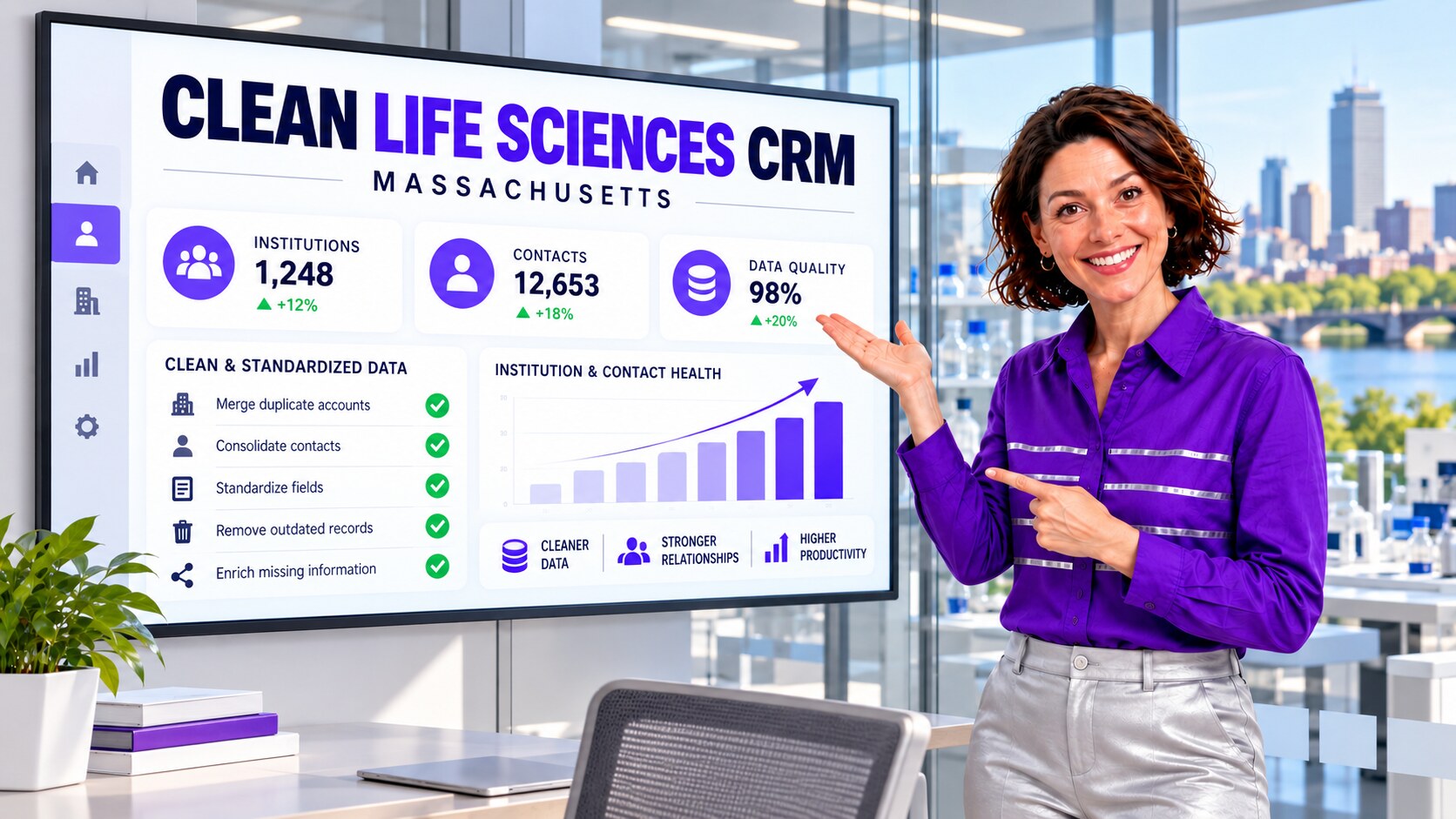
Why Massachusetts Life Sciences Is a Priority Vertical
Massachusetts combines a high-income economy with a dense life-sciences network. The U.S. Census Bureau reported a 2024 median household income of $104,828 for Massachusetts, the highest among states in that release alongside New Jersey and Maryland without a statistically significant difference among them. The Massachusetts Life Sciences Center reported that its FY2025 tax-incentive awards supported nearly 2,000 projected jobs, while MassBio says its network includes more than 1,700 member organizations across the biopharma lifecycle. In an ecosystem built on partnerships among companies, hospitals, universities, laboratories, suppliers, and service providers, relationship data can become complicated quickly. A published study of scientific-institution affiliation data used standardized organization identifiers and human review to distinguish name variants. The parallel for a Massachusetts life-sciences CRM is practical: a university, its hospital, and a laboratory may be related without being interchangeable Account records.
Use Case: One Institution, Many Account Records
The composite company accumulated records through conference leads, scientific partnerships, territory handoffs, enrichment services, acquisitions, distributor files, and a legacy CRM migration. One academic medical center appeared under its formal legal name, a familiar abbreviation, separate department names, and an older hospital-system identity. Contacts who worked with several departments were related differently depending on which team created the record.
| Data issue | Why it appeared | Business impact |
|---|---|---|
| Duplicate institution Accounts | Legal names, abbreviations, campuses, departments, and acquired entities entered separately. | Pipeline, activities, and relationship strength were split across Accounts. |
| Conflicting parent Accounts | Teams modeled hospital systems, universities, laboratories, and subsidiaries differently. | Rollup reports did not represent the agreed commercial hierarchy. |
| Redundant contact relationships | A Contact was directly or indirectly related to several duplicate Accounts. | Account merges could require relationship cleanup before completion. |
| Mixed institution and contact formats | Imports used different capitalization, domains, phone formats, states, and country values. | Matching rules missed records that described the same entity. |
| Stale territory and owner values | Reorganizations updated only one version of a record. | Tasks and outreach could route to the wrong commercial team. |
Salesforce Relationship Constraints the Admin Had to Respect
Salesforce documents that duplicate management uses a Contact’s primary Account when comparing records, so indirect Account–Contact relationships cannot be included in matching criteria. Salesforce also notes that a merge can be blocked when Contacts are indirectly related to the same Account, or when Accounts share the same indirect Contact relationship. Those constraints matter in life sciences because one investigator, procurement leader, or laboratory contact may legitimately work across several institutions or departments.
The admin therefore treated matching and relationship validation as separate decisions. Similar names and domains created a candidate group, but the team still reviewed primary Accounts, indirect relationships, parent Accounts, activities, Opportunities, custom objects, and integration identifiers before approving a merge.
How the Team Scoped 15,000 Rows
The admin began with profiling rather than deletion. The 15,000-row example included Accounts, Contacts, and relationship records connected to active commercial territories. The team divided work into deterministic standardization, likely duplicate groups, hierarchy exceptions, and records requiring a business owner.
- Define an institution identity: document how legal entity, campus, department, laboratory, and hospital-system records should be modeled.
- Identify authoritative fields: decide which source wins for parent Account, domain, address, institution type, owner, territory, and integration key.
- Normalize before matching: standardize approved abbreviations, capitalization, phone, state, country, and domain variants without changing scientific or regulatory content.
- Inventory relationships: inspect direct and indirect Contacts, Opportunities, activities, campaigns, custom objects, and external IDs.
- Save a baseline: record counts for institutions, contacts, active opportunities, relationships, owners, and duplicate groups before changing production data.
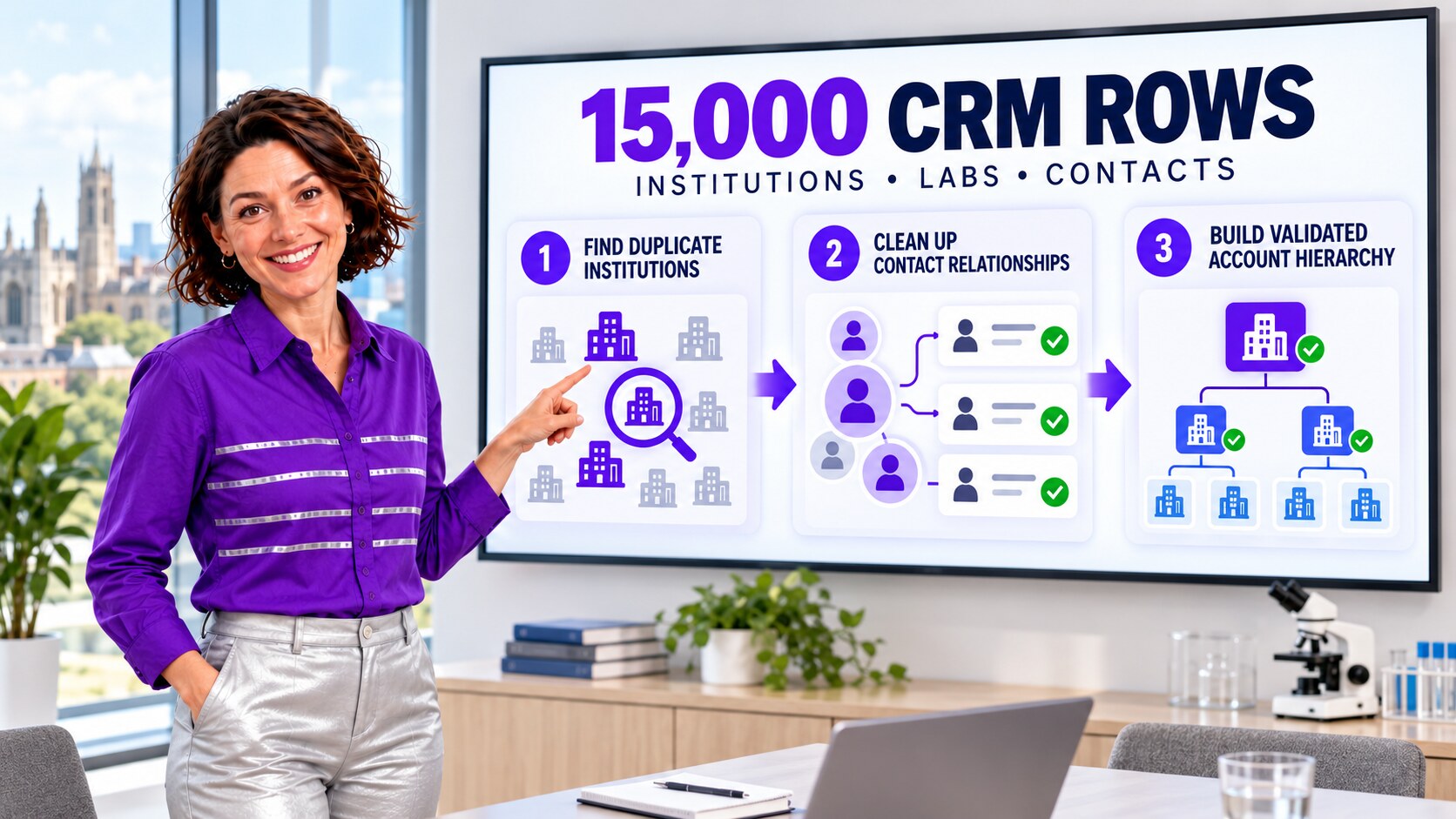
The Safer ZaapIT Cleanup Runbook
ZaapIT helped the admin filter and preview the target population, standardize approved values, find duplicate groups, choose master records, and work through controlled batches. The company tested the sequence in a sandbox, then used a limited production pilot before expanding the cleanup.
- Preview the exact filter: confirm it selects only the intended institution and contact population.
- Back up affected rows: preserve key values and relationships before any bulk update or merge.
- Standardize clear variants: correct unambiguous formats first so matching can work with cleaner input.
- Review duplicate groups: compare names, domains, addresses, parent Accounts, sources, completeness, and external identifiers.
- Resolve relationship conflicts: remove or correct redundant indirect relationships only after confirming the intended institution network.
- Merge and validate in batches: retain approved field values and related data, monitor automation, and compare every batch with the baseline.
- Keep a recovery path: use ZaapIT bulk undo and restore for affected rows if a filter, mapping, ownership rule, or hierarchy decision needs correction.
Bulk undo and restore are a meaningful safety advantage, but they complement rather than replace sandbox testing, approvals, backups, and validation. The team kept each change small enough to explain and verify.
How the Admin Validated the Clean Hierarchy
Success was not defined as the smallest possible Account count. The team verified that legitimate campuses, departments, laboratories, and subsidiaries remained distinct where the operating model required them. It compared institution counts, active Opportunities, activities, owners, territories, direct and indirect relationships, and external IDs before and after each batch.
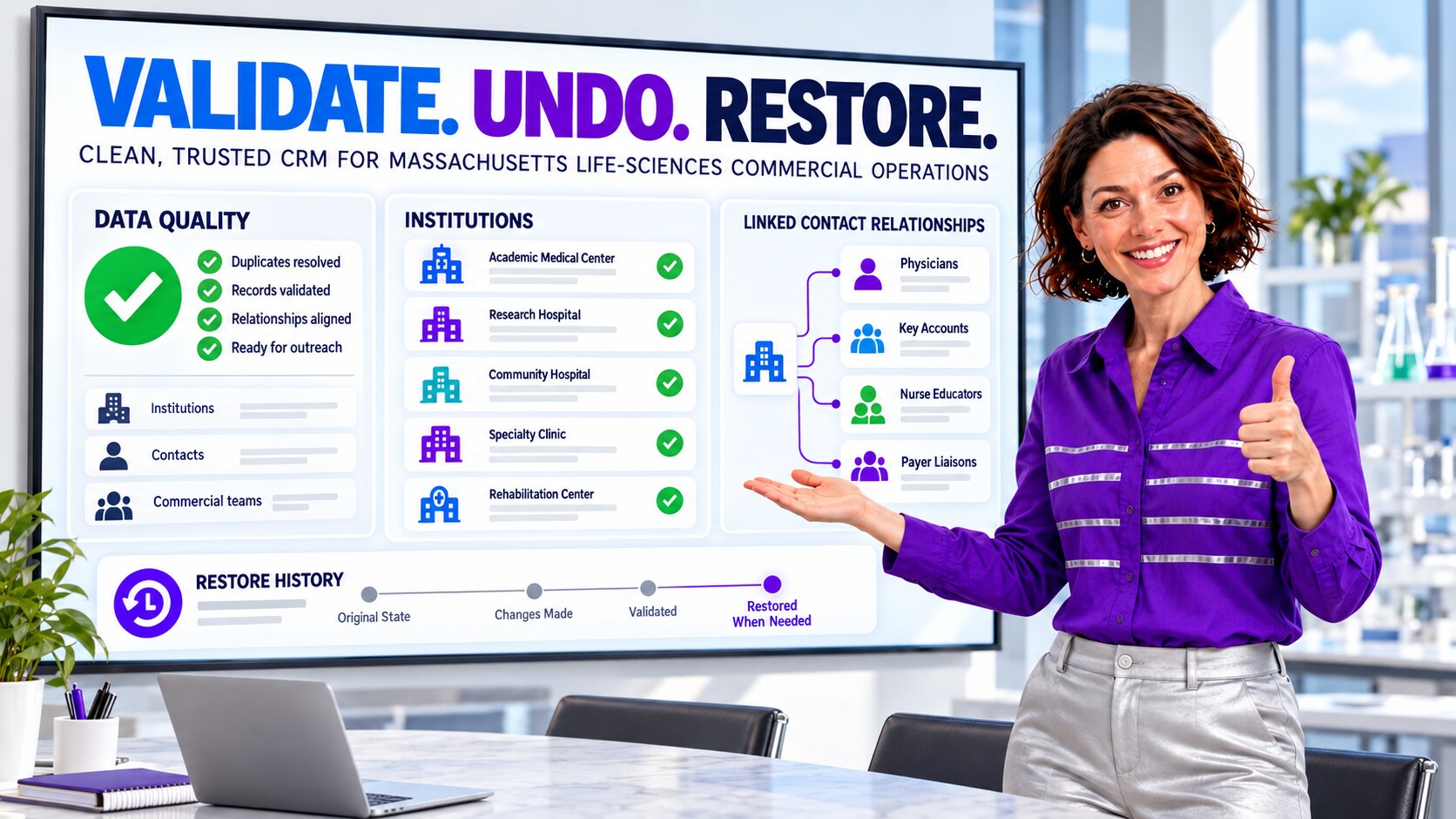
The admin also checked how new records entered Salesforce. Conference imports, web forms, enrichment, integrations, and manual creation were aligned with the same identity and hierarchy rules. Duplicate reports became a recurring review queue instead of a one-time project.
Life-Sciences CRM Validation Checklist
- Confirm the agreed legal-entity, campus, department, laboratory, and parent-Account structure.
- Review direct and indirect Account–Contact relationships before and after merges.
- Verify Opportunities, activities, campaigns, tasks, files, and custom relationship records.
- Protect consent, communication preference, integration key, and controlled business fields from unintended overwrite.
- Compare reports by institution, territory, owner, source, and pipeline stage.
- Retain the backup, job log, exceptions, approvals, validation evidence, and restore procedure.
Make Life-Sciences CRM Cleanup Safer
Use ZaapIT to profile, standardize, deduplicate, and validate Salesforce institution and contact data while preserving backup, bulk undo, and restore.
Frequently Asked Questions
Why do life-sciences institutions become duplicated in Salesforce?
The same institution can arrive through conferences, partnerships, enrichment, migrations, distributors, and manual entry under legal names, abbreviations, campuses, departments, laboratories, or older identities. Exact matching often misses these variations.
Can Salesforce duplicate rules match indirect Account–Contact relationships?
Salesforce documents that duplicate management uses the Contact’s primary Account for comparison and that indirect Account–Contact relationships cannot be included in matching criteria. Admins should inspect those relationships separately before merging.
Why can an Account or Contact merge be blocked by relationships?
Redundant indirect relationships can prevent a merge when the records already connect to the same Account or Contact. Resolve the relationship only after confirming which connections are legitimate and which are duplicates.
How can ZaapIT reduce risk during a 15,000-row cleanup?
ZaapIT helps admins filter and preview affected rows, back them up, standardize or merge controlled batches, validate the result, and use bulk undo and restore when a reviewed operation needs correction.
Is this a real named Massachusetts customer case study?
No. It is an anonymized composite scenario based on common Salesforce data-hygiene workflows. The organization, record count, dashboard values, and outcomes are illustrative rather than verified results from an identified customer.
Useful ZaapIT Resources
Sources
- Research study: disambiguating scientific institutions with organization identifiers
- U.S. Census Bureau: Household Income in States and Metropolitan Areas, 2024
- Massachusetts Life Sciences Center: FY2025 Statewide Growth
- MassBio: Massachusetts Life-Sciences Ecosystem
- Bioversity: Massachusetts Life-Sciences Workforce Training
- Salesforce Help: Contacts to Multiple Accounts Considerations
- Salesforce Help: Considerations for Merging Duplicate Contacts
- Salesforce Help: Manage Duplicate Records